What is Mozilla Firefox for windows and what does it do?
Mozilla Firefox 147: Fast, Lightweight Browser with Privacy Built In
Mozilla Firefox 147 is designed for people who want a responsive browser that stays smooth under real-world multitasking. Instead of focusing only on benchmark wins, Firefox puts a lot of attention into practical speed, memory discipline, and privacy features that work by default. That combination is a big reason it remains a strong option for everyday browsing, long research sessions, web apps, and laptop use where battery life and background resource usage matter.
Firefox is also a good “second browser” choice for users who primarily rely on another browser but want a privacy-forward alternative available at all times. In many setups, it sits alongside Google Chrome as a complementary option—useful when you want cleaner tracking controls, different extension behavior, or simply a lighter footprint on the same machine.
What Is Mozilla Firefox 147?
Mozilla Firefox 147 is a modern web browser available across major platforms including Windows, macOS, Linux, Android, and iOS. It is built around Mozilla’s Quantum engine, which focuses on fast page rendering and efficient use of system resources. The browser is known for privacy-oriented defaults, a mature extension ecosystem, and cross-device syncing that doesn’t depend on a third-party platform account.
For Windows users, the most direct option is Mozilla Firefox for Windows. If you work on macOS as well, the mac version is available here: Mozilla Firefox for Mac. These pages are useful if you want consistent browsing across multiple devices and operating systems.
Quantum Engine Performance
Firefox 147’s Quantum engine is designed to make websites feel quicker and more responsive, especially for modern web applications that rely heavily on JavaScript and dynamic interface updates. In everyday use, this shows up as faster page rendering, smoother scrolling, and reduced delay in web apps that behave more like full desktop software than traditional websites.
Many users notice the difference most clearly in high-interaction environments such as:
- Web-based email and productivity tools
- Online dashboards and analytics portals
- Document editing in browser-based office suites
- Sites with complex layouts and heavy scripting
Firefox also supports hardware acceleration where available, helping video playback and graphically intensive pages run more efficiently. On modern systems, that can reduce CPU usage during streaming and improve overall smoothness when multiple tabs are active.
Memory Efficiency for Multitasking
A major advantage associated with Firefox is how it manages memory during day-to-day browsing. When you keep dozens of tabs open for research, work, or ongoing projects, the browser’s ability to stay stable becomes more important than a small difference in a one-time speed test.
Firefox 147 is positioned as a browser that aims to maintain a leaner memory footprint compared to resource-heavy alternatives in similar conditions. This can matter in practical scenarios such as:
- Systems with 8GB RAM that still need to multitask comfortably
- Laptops where reducing background usage can improve battery endurance
- Workstations running creative tools or development environments alongside browsing
- Users who keep long-running sessions open all day
If your workflow already includes heavier applications—editing software, virtualization, or large file operations—keeping the browser from consuming unnecessary memory can help preserve overall system responsiveness.
Multi-Process Architecture and Tab Stability
Firefox uses a multi-process architecture that separates tabs, extensions, and key browser functions into different processes. The practical benefit is straightforward: if a single tab crashes or becomes unresponsive, it is less likely to freeze your entire browsing session.
In real usage, this architecture improves:
- Tab switching consistency when many tabs are open
- Stability when an extension misbehaves
- Recovery when a single webpage stalls due to scripts or heavy media
- General responsiveness during long sessions
This makes Firefox a solid choice for people who treat their browser as a work environment—not just something they open for a quick search.
Privacy Features and Tracking Protection
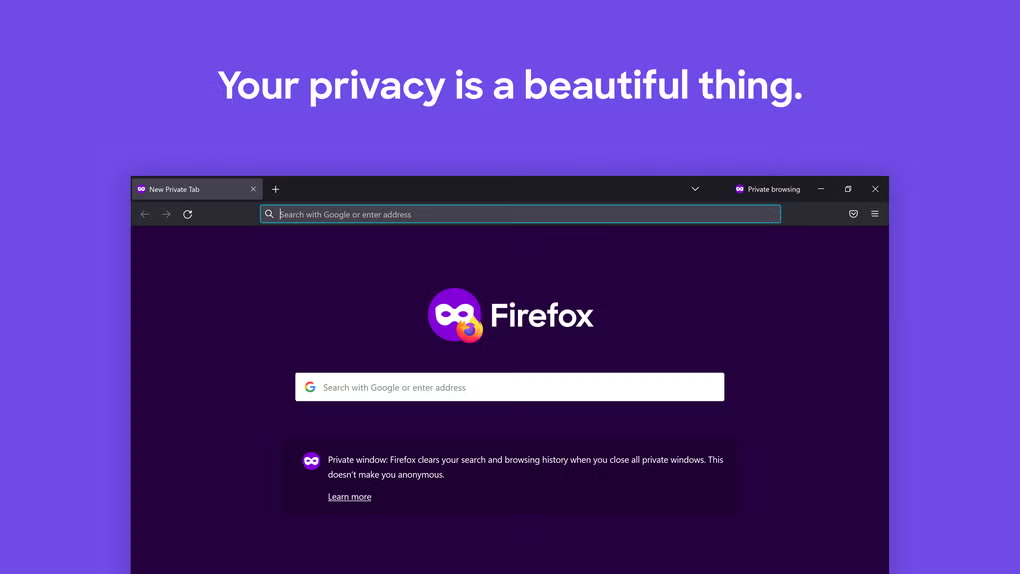
Firefox is widely associated with privacy-first defaults, and Firefox 147 continues that direction with tracking protections enabled in standard browsing. Instead of requiring a special privacy mode to gain meaningful benefits, Firefox typically blocks many known trackers and cross-site elements automatically.
Key privacy-oriented protections commonly include:
- Blocking known tracking scripts and cross-site tracking elements
- Reducing the impact of third-party cookies used for profiling
- Protection against certain aggressive tracking behaviors (varies by site and configuration)
- Additional privacy measures in Private Browsing mode
There is also a performance angle here: when trackers and third-party scripts are reduced, many pages load faster and behave more cleanly, particularly on ad-heavy sites. Users often feel this as quicker loading and less “background busy” behavior while reading.
If you use privacy tools heavily, Firefox pairs well with trusted extensions and does not require you to stay inside a single ecosystem to maintain syncing and personalization.
Extension Ecosystem and Customization
Firefox supports a large extension library through the WebExtensions standard. That means many well-known add-ons have Firefox versions, including popular blockers, password managers, readability tools, and interface customizers. For users who like controlling their environment, Firefox is one of the few modern browsers where customization still feels like a core feature rather than an afterthought.
Customization options commonly include:
- Themes and visual personalization
- Toolbar layout changes and button organization
- Tab behavior customization (including advanced tab management add-ons)
- Privacy hardening through extension-based controls
For people who want a browser that can be tuned for different workflows—research, writing, development, or personal browsing—this flexibility is a real advantage.
Cross-Platform Syncing
Firefox Sync allows bookmarks, passwords, browsing history, and open tabs to move between your devices. This is especially useful if you regularly switch between a desktop and a mobile phone, or between a Windows machine and a Mac.
What many users like about Firefox Sync is that it does not require a Google or Apple account. You can keep your browser identity separate from those ecosystems while still getting the convenience of cross-device continuity.
If you work across multiple operating systems, it’s worth pairing:
- Mozilla Firefox for Windows for desktop work
- Mozilla Firefox for Mac for macOS workflows
User Interface and Built-In Tools
Firefox’s interface aims to stay clean without removing useful controls. The overall layout supports quick navigation, straightforward tab access, and practical productivity features that don’t require extra extensions for basic tasks.
Built-in tools often valued by users include:
- Convenient screenshot capture for full pages or selected areas
- A unified library area for downloads, bookmarks, and saved history
- Smart address bar suggestions that help return to frequently used sites quickly
- A customizable new tab experience that can be kept minimal or made more informative
These features matter because they reduce the number of add-ons you need just to feel productive, which can also help keep the browser stable and lightweight over time.
Gaming, Media, and Hardware Acceleration
Firefox 147 includes performance work aimed at smoother media playback and better responsiveness for interactive content. Hardware acceleration support helps the browser offload certain tasks to the GPU, which can improve playback smoothness and reduce CPU overhead.
Areas where this is most noticeable include:
- High-resolution video streaming (including 4K on supported systems)
- WebGL-based content and browser games
- Canvas rendering and animation-heavy sites
- Reduced input lag in some interactive experiences
For users who consume a lot of media, a reliable codec and playback environment can also help at the system level. If you frequently download video files and want Windows playback to be more consistent outside the browser, K-Lite Mega Codec Pack can be a useful companion for handling uncommon formats and legacy containers.
System Requirements and Update Cadence
Firefox 147 is positioned as compatible with Windows 10 and Windows 11 (64-bit recommended), modern macOS versions, and most mainstream Linux distributions. Minimum hardware requirements are modest, but practical performance improves noticeably with more RAM—especially for users who keep many tabs open. A system with 4GB RAM can handle basic browsing, while 8GB or more is more comfortable for heavier multitasking.
The browser typically updates on a regular cadence, delivering security patches and improvements without requiring users to manually download every revision. Enterprises that need longer testing windows often rely on extended support options in Firefox’s broader release lineup.
Who Firefox 147 Is Best For
Firefox 147 is a strong fit for users who want an everyday browser that stays responsive while providing privacy controls that work without constant manual tuning. It’s particularly well suited for:
- People who keep many tabs open and want fewer slowdowns over time
- Users who care about tracking protection and privacy-forward defaults
- Students and researchers who need stable long sessions and good tab management
- Developers who value customization and extension flexibility
- Anyone who wants an alternative alongside Google Chrome for different browsing contexts
If your workflow also includes writing, summarizing, or drafting content quickly, some users pair Firefox with productivity tools like ChatGPT for assistance in creating structured notes, emails, outlines, or documentation.
Final Summary
Mozilla Firefox 147 delivers a balanced browsing experience with strong performance, practical memory efficiency, and privacy features that are enabled by default rather than hidden behind settings. The Quantum engine helps keep modern web applications responsive, while the browser’s multi-process design improves stability when you’re juggling many tabs or running long sessions.
For Windows users, Mozilla Firefox for Windows provides a clean, reliable option that fits both everyday browsing and more demanding multitasking. If you work across operating systems, pairing it with Mozilla Firefox for Mac supports a consistent experience. As part of a broader setup, it also complements tools and pages such as Google Chrome and K-Lite Mega Codec Pack depending on whether your priority is web app compatibility, privacy controls, or smoother media handling on Windows.
What are the pros and cons of Mozilla Firefox for windows?
What's new in Mozilla Firefox for windows version 147.0.4?
What are the best free alternatives to Mozilla Firefox for windows?




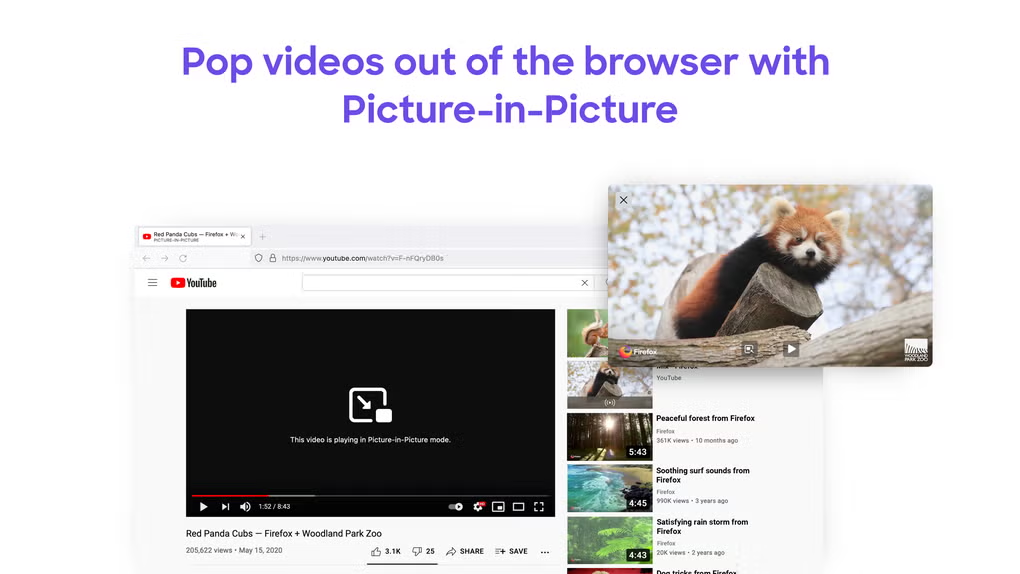
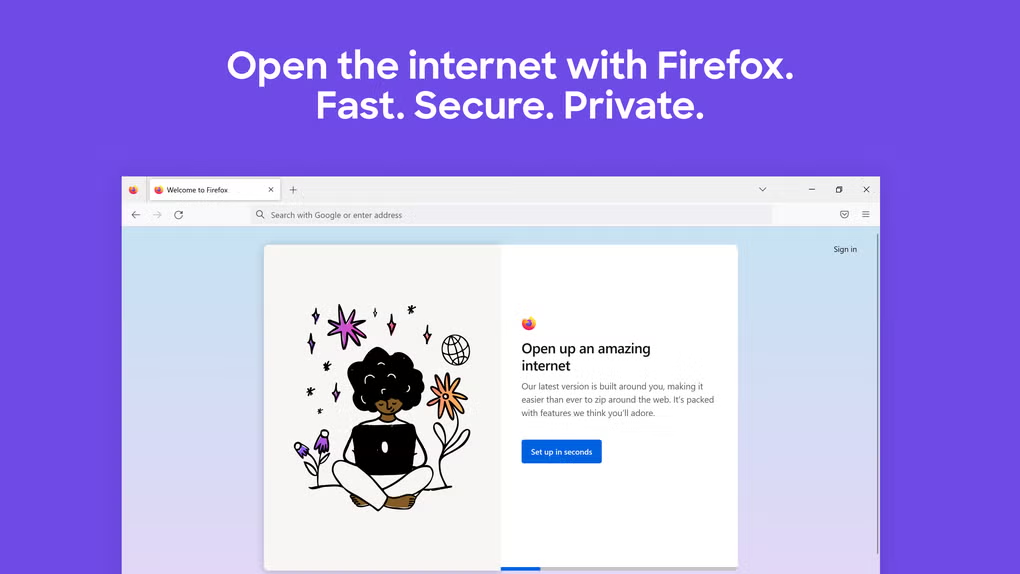
What does Mozilla Firefox for windows look like? Screenshots