What is ChatGPT for AI Chat and what does it do?
ChatGPT in 2026: What It Does Well, Where It Breaks, and How to Use It Safely
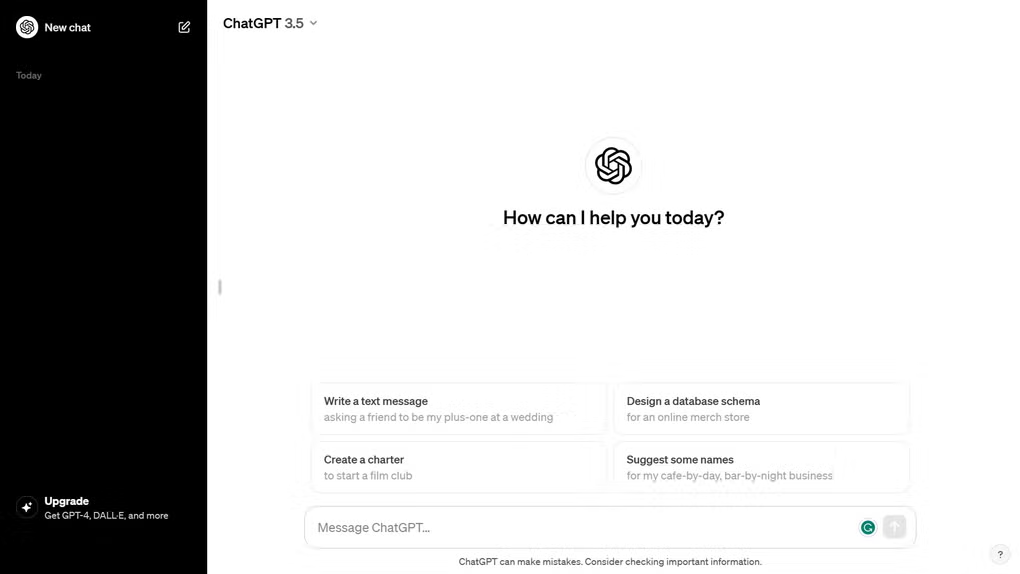
ChatGPT looks almost too simple at first. You open it, see a blank screen, type a request, and you get an answer in seconds. That simplicity is the reason it’s useful—and the reason people misuse it. The tool can save real time, but only when you treat it like a fast assistant with limits, not an all-knowing source of truth.
This guide explains what ChatGPT realistically delivers in 2026, what has changed recently, and how to avoid the common mistakes that cause bad decisions, wrong information, or sloppy output.
What ChatGPT Really Is
ChatGPT is a conversational AI that generates text by predicting what should come next based on patterns learned during training. It can write, summarize, explain, brainstorm, and help with structured tasks like outlining a plan or cleaning up messy notes. It can also work with files and images on supported plans, and it can use web-based tools in certain modes.
In 2026, the model lineup and availability are more tier-based than most people realize. The current public pricing page shows that the Free plan has limited access to the flagship GPT-5.2 model, with caps on messages and uploads.
What Changed in 2026 That Actually Matters
Model availability shifts more often now
Model access inside ChatGPT changes over time. OpenAI has retired older options inside ChatGPT in recent updates (while noting that API availability can differ). This is one reason two people can get different answers from “the same prompt” depending on plan and date.
GPT-5.2 is the default direction
OpenAI’s help documentation describes GPT-5.2 as available across tiers, with paid tiers getting a model picker (Instant vs Thinking) and higher-tier access to GPT-5.2 Pro.
Deep research and browsing are more structured
OpenAI has been expanding “deep research” style workflows in ChatGPT, including better report viewing and source handling. These features roll out by tier and can change quickly.
Where ChatGPT Actually Saves Time
ChatGPT is strongest when you use it for tasks where a high-quality first draft is valuable, and you’re comfortable doing a final pass yourself.
1) Drafting routine writing
It’s reliable for emails, short announcements, product copy drafts, support responses, and summaries—especially when you give constraints. Tight constraints reduce generic output and reduce the chance of “confident nonsense.”
Examples of constraints that usually improve quality:
- Length limits (e.g., 120 words)
- Audience and tone (e.g., professional, calm, not salesy)
- Required points (e.g., include 3 bullet steps)
- What to avoid (e.g., no hype, no promises)
2) Explaining errors and troubleshooting
For everyday coding and IT issues, ChatGPT is useful for translating error messages into plain English and suggesting likely fixes. It is most helpful when you paste the exact error and relevant context. It’s less reliable when you ask it to “guess” what’s wrong without specifics.
One important rule keeps people safe: treat AI-written code like code from a fast junior developer. It can be productive, but it still needs review for security, edge cases, and correctness before you ship anything.
3) Summarizing documents and extracting structure
When file upload and image analysis are available, ChatGPT can pull out key terms, rewrite notes into structured sections, and generate clean summaries from messy material. It’s best used for triage and organization, not for final legal or compliance interpretation.
What It Still Gets Wrong
1) Time-sensitive facts
If you ask about something that changed recently—security patches, policy updates, pricing, release notes—ChatGPT can sound confident while being wrong unless it’s using current sources. This is why browsing/deep research modes exist, and why availability matters by tier.
2) Niche topics with low public coverage
On obscure regulations, very specific internal standards, or uncommon product details, the model may “fill gaps” with plausible text. The writing often sounds correct, but the underlying facts may not exist. The narrower and less documented the topic is, the more careful you should be.
3) Over-clean writing that feels generic
This is the reason many “AI detector” tools flag text. The issue is not only vocabulary; it’s the pattern. Perfectly balanced paragraphs, predictable transitions, and repeated phrasing can make writing feel synthetic. For SEO, that’s also a quality problem because it often reads like it was designed to rank rather than help.
How to Use ChatGPT Without Expensive Mistakes
- Use it for drafts, not final truth. Treat outputs as a starting point. Verify important facts, especially dates, pricing, laws, and security guidance.
- Give constraints. Constraints reduce filler and improve usefulness. Specify length, tone, audience, and required points.
- Separate facts from wording. Let ChatGPT help you write clearly, but source facts from authoritative references when accuracy matters.
- Keep sensitive data out. Avoid pasting client lists, private financials, proprietary code, and anything regulated. Use redacted examples when you need help.
- Prefer small, testable steps. For code and technical work, ask for minimal changes and test each step. This catches errors early.
Plans and Access in 2026
ChatGPT plans determine how much you can do, how long you can do it, and which tools you can use. OpenAI’s pricing page lists Free as limited access to GPT-5.2 with limited messages and uploads, while paid tiers expand capacity and tool availability.
If you only need occasional writing help and basic explanations, Free can be enough. If you depend on uploads, larger context, and web-enabled research workflows, paid tiers usually make more sense because the limits show up quickly in real daily use.
Final Summary
ChatGPT is valuable in 2026 when you use it for what it does best: fast drafting, structured thinking, and turning messy inputs into usable output. It becomes risky when you treat it as a live-news source, an authority on niche facts, or a replacement for professional review.
For SEO and long-term usefulness, the safest approach is simple: use ChatGPT to improve clarity and speed, then verify facts, add your real-world context, and publish something that reads like a human wrote it to help people—not to impress an algorithm.
What are the pros and cons of ChatGPT for AI Chat?
What are the best free alternatives to ChatGPT for AI Chat?

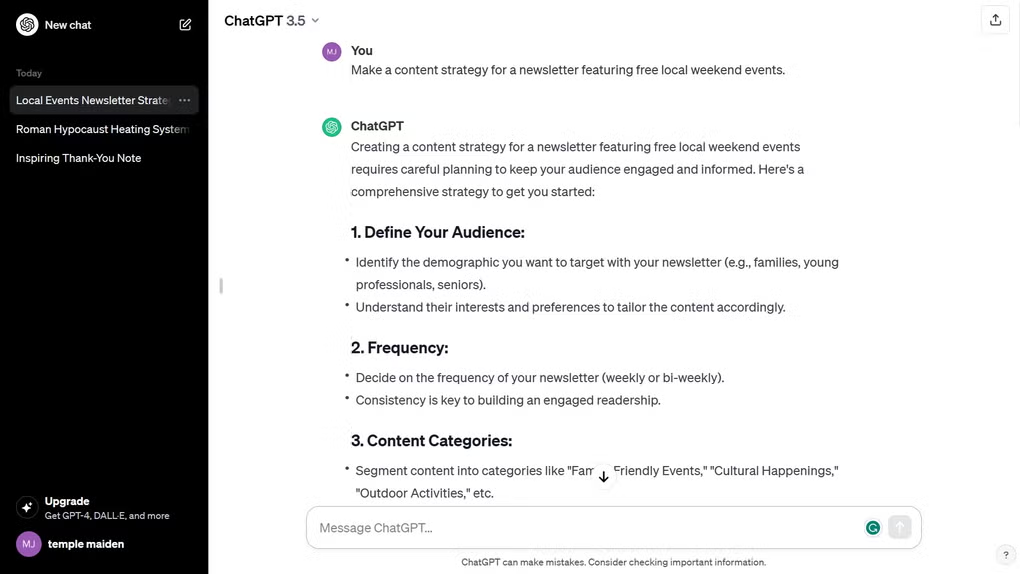
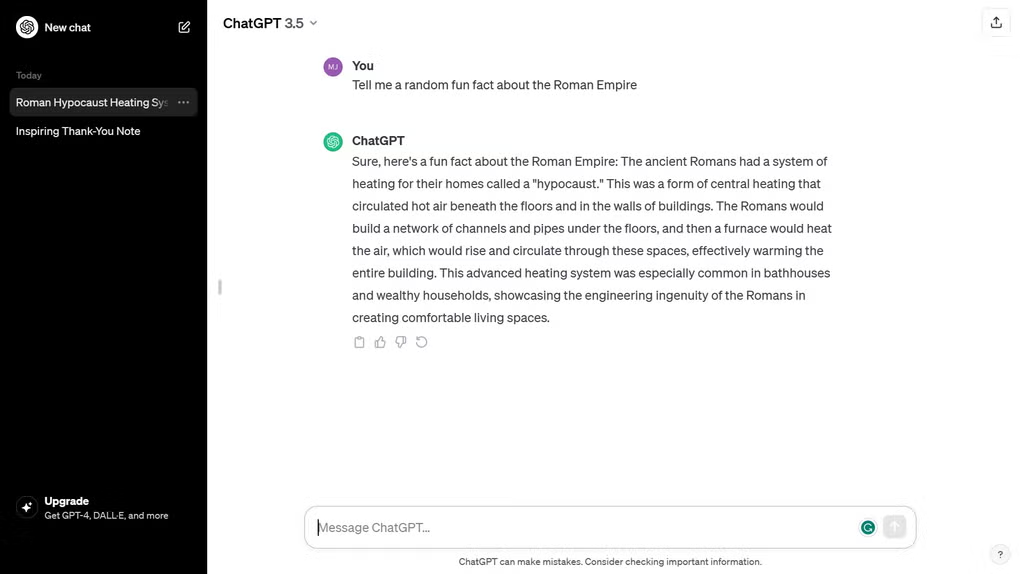
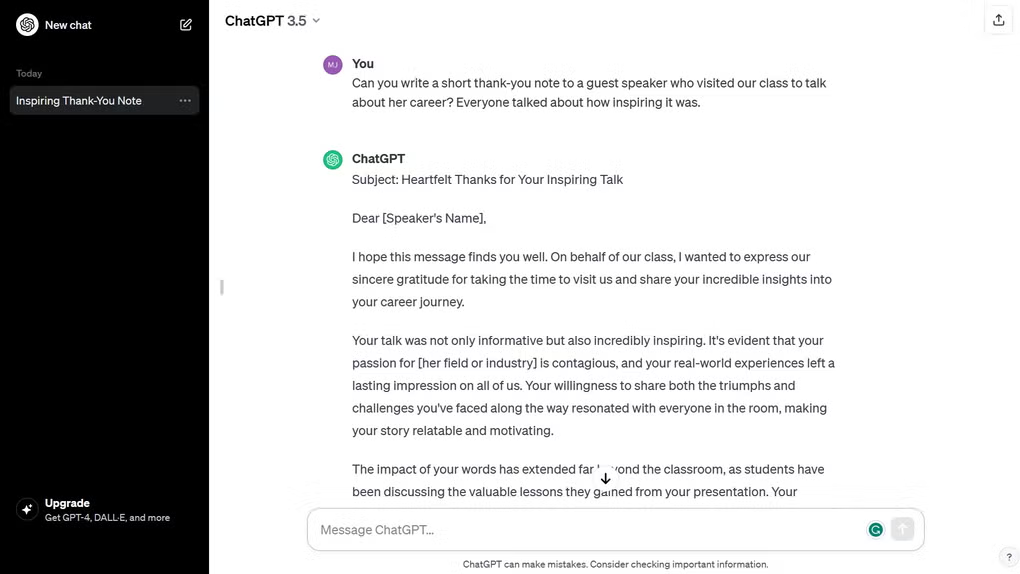
What does ChatGPT for AI Chat look like? Screenshots