What is Adobe Reader and what does it do?
Adobe Reader Lite: A Lightweight PDF Viewer for Fast Reading, Printing, and Annotations
Adobe Reader Lite is a streamlined PDF reader designed for users who want the core PDF features without the heavier extras found in full document suites. It focuses on the basics that most people actually use every day: opening PDF files quickly, printing documents, highlighting text, adding notes, and handling simple form tasks. For older computers or systems where performance matters, a lighter PDF viewer can make a noticeable difference in startup speed and overall responsiveness.
What Adobe Reader Lite Is Used For
Adobe Reader Lite is built for practical PDF work. It’s aimed at users who read a lot of documents and want quick access to essential tools without needing advanced cloud workflows or collaboration features. Common tasks include viewing PDFs, searching within long documents, printing pages, and making simple markup edits for review.
In day-to-day use, it works best for:
- Opening and reading PDFs without slow load times
- Printing documents reliably
- Highlighting and adding annotations for review
- Filling out interactive PDF forms while keeping formatting intact
- Adding a basic signature when needed
Main Features
Open and View PDF Files
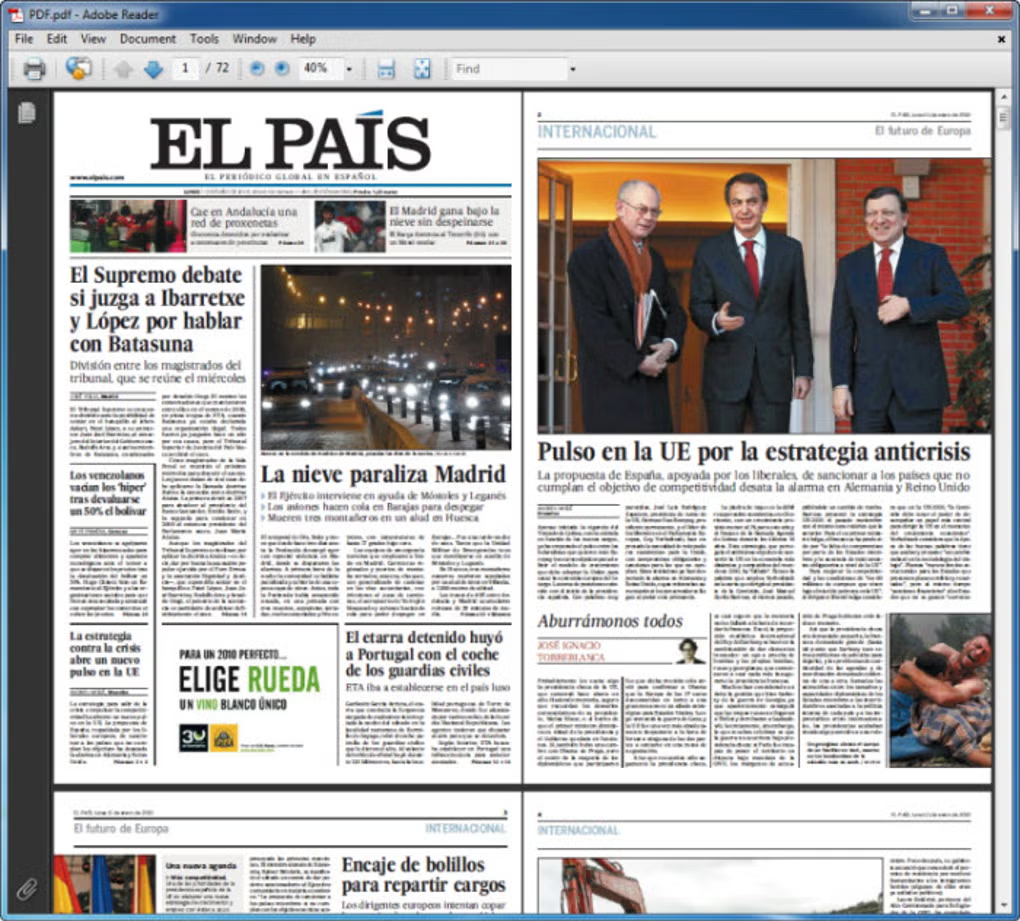
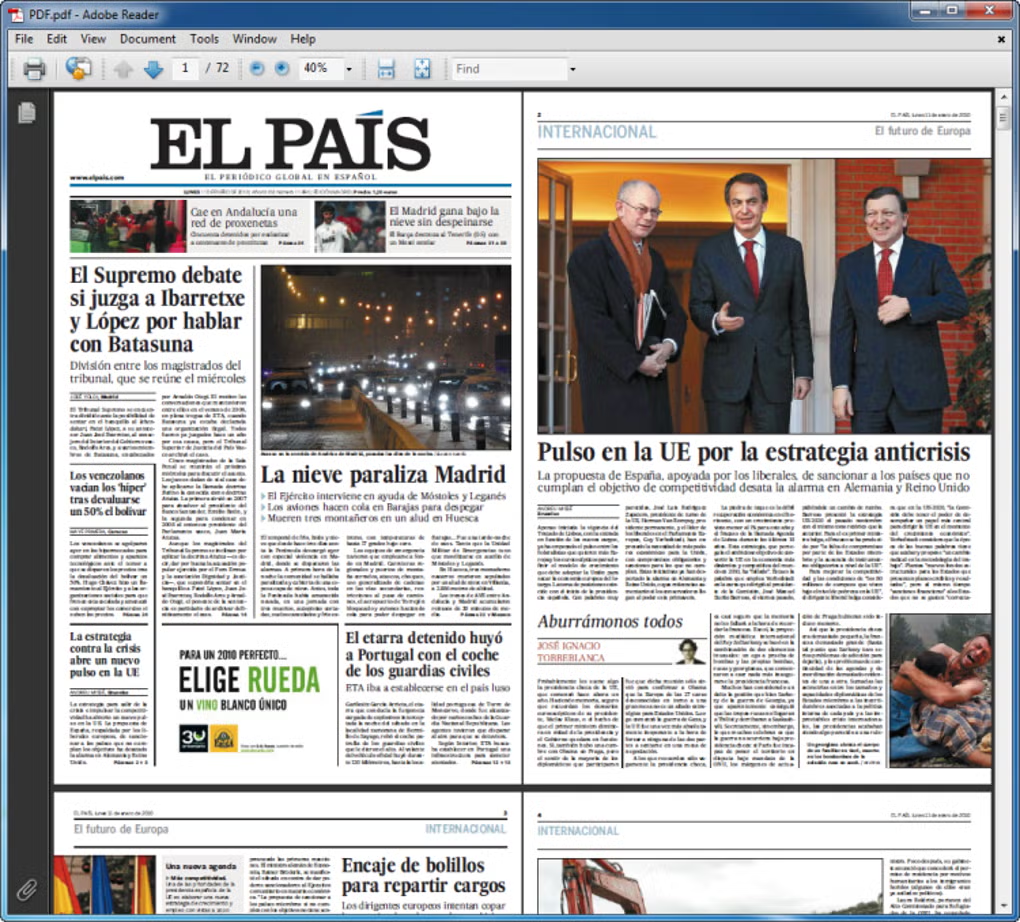
The most important job of any PDF reader is consistency. Adobe Reader Lite is designed to open common PDF files quickly and display them clearly, including multi-page documents and PDFs that contain embedded elements such as forms.
Highlighting and Annotations
Reader Lite includes basic markup tools so you can highlight text, add notes, and leave comments. For most people, these are the only “editing” functions they need in a PDF reader, especially for school, office review, or paperwork.
Fill Forms
Interactive PDFs are common for applications, registrations, invoices, and internal company workflows. Reader Lite supports filling form fields while maintaining the original layout, which is important for submitting documents that require strict formatting.
Sign Documents
Reader Lite includes a simple way to add a signature to documents. This is useful for basic approvals and routine paperwork where you need a quick sign-and-send workflow without moving to a more complex platform.
Accessibility Tools
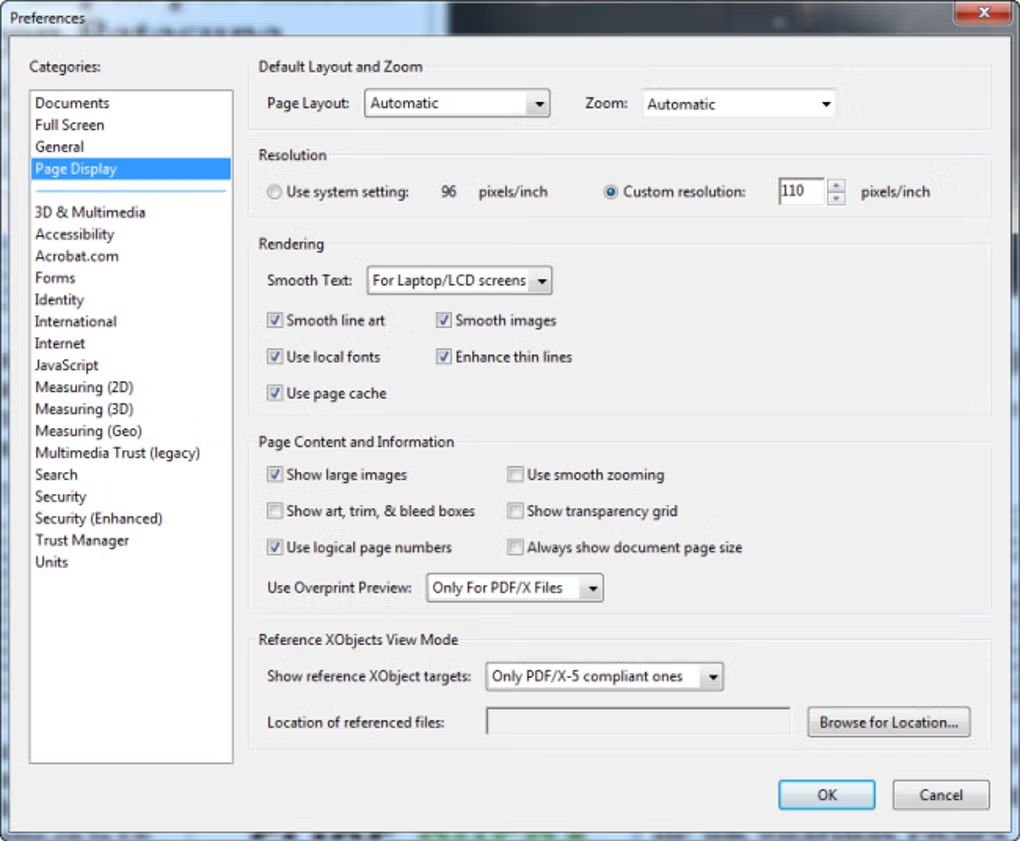
Accessibility features matter when PDFs are used daily. Reader Lite includes usability options such as adjustable display settings, contrast controls, and readability improvements. These options can help users with vision impairments or reading fatigue by making documents easier to view for long periods.
Typical accessibility adjustments include:
- Larger text display and scaling controls
- Higher contrast viewing
- Interface and reading settings designed for comfort
Security Features for Safer PDF Handling
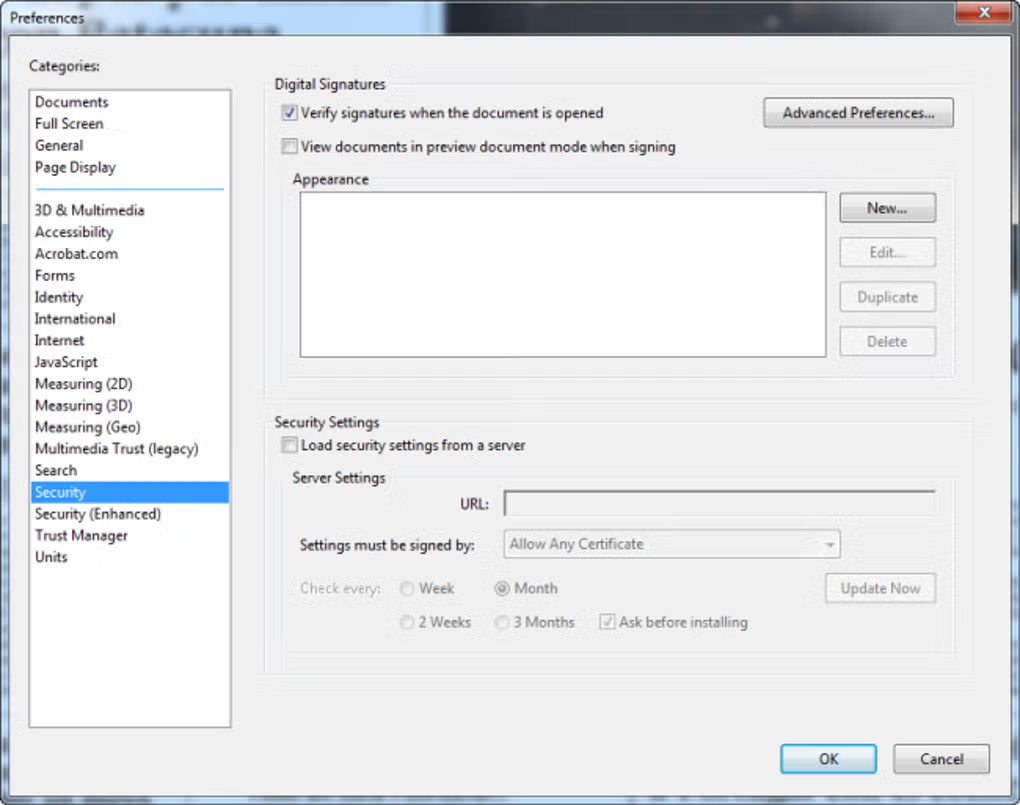
PDF files can be used as delivery vehicles for malicious content, especially when downloaded from untrusted sources. Reader Lite emphasizes safer document handling through built-in protections designed to reduce the risk of opening harmful files. This is particularly useful for users who frequently receive PDFs from email, public websites, or shared drives.
For best results, security is strongest when paired with safe habits: keep your system updated, avoid unknown downloads, and be careful with PDFs from unfamiliar senders.
Lightweight Design and Performance
The main benefit of a “Lite” PDF reader is performance. On systems where resources are limited—older laptops, budget PCs, or machines running multiple programs at once—lighter software can help reduce slowdowns. Faster startup, smoother scrolling through large documents, and less background resource usage all improve everyday usability.
This is especially noticeable when:
- Opening large PDFs with many pages
- Switching between multiple documents during work
- Running a PDF reader alongside other apps on low-RAM systems
Important Note About “Lite” Builds
Some “Lite” versions available online are packaged as lightweight builds rather than being official standalone products. If you are choosing a PDF reader, it’s always smart to download from a trusted source and avoid installers that bundle unrelated software. If you need guaranteed official updates, enterprise controls, or cloud-connected features, the full Acrobat Reader ecosystem is the safer long-term route.
Who Adobe Reader Lite Is Best For
Adobe Reader Lite is a good fit for:
- Users who want fast PDF viewing with minimal resource usage
- Students and office users who annotate PDFs and fill forms
- Older PCs that slow down with heavier PDF suites
- Anyone who prefers a simple interface for routine PDF tasks
If you rely heavily on collaboration tools, advanced editing, cloud workflows, or enterprise document controls, a full-feature PDF suite may be a better match.
Final Summary
Adobe Reader Lite is a practical choice for users who want a lightweight PDF reader that covers the essentials: viewing, printing, highlighting, annotating, filling forms, and basic signing. It’s designed to stay fast and simple, making it useful for daily PDF work—especially on systems where performance matters. For users who only need core document features and prefer a clean interface, it remains a solid option.
What are the pros and cons of Adobe Reader?
What does Adobe Reader look like? Screenshots