What is Google Chrome and what does it do?
Google Chrome for Windows: Fast, Secure Browsing That Works Everywhere
Google Chrome is the browser a lot of people end up using by default—not because it’s flashy, but because it’s consistent. Sites load quickly, web apps behave the way they’re supposed to, and you rarely run into compatibility issues. On Windows 10 and Windows 11, Chrome feels especially “plug and play”: install it, sign in if you want syncing, and it’s ready for daily work.
Chrome’s biggest strengths come from the same place: it’s built to run modern websites fast. That includes heavier pages that act like software—email clients, project dashboards, online editors, and video conferencing tools. The tradeoff is real too. If you keep 40 tabs open for days and stack on a pile of extensions, Chrome can eat a lot of memory. Some people never notice. Others do—especially on machines with 8GB RAM or less.
Why Chrome Feels Fast on Windows
Speed in a browser isn’t only about how fast the first page loads. It’s also how quickly the interface responds when you’re switching tabs, typing into a form, scrolling a long page, or jumping between web apps. Chrome is good at that “constant motion” performance, mainly because it’s optimized for JavaScript-heavy websites and it uses aggressive techniques to keep things feeling immediate.
Under the hood, Chrome uses Google’s V8 JavaScript engine. What that means in normal use is simple: interactive sites don’t lag as much, and complex pages tend to stay responsive. Chrome also leans on caching and preloading behavior so the next click often feels quicker than you’d expect—especially on fast connections.
The Omnibox: One Box That Handles Almost Everything
Chrome’s address bar is more than an address bar. The Omnibox handles URLs, searches, and quick actions in the same place. If you browse a lot during the day, this matters more than it sounds. You start typing and Chrome guesses where you’re headed using your history, bookmarks, and common results.
It also doubles as a quick utility area. Simple math, conversions, and quick lookups can happen right there without turning it into a whole “search session.” It saves a few seconds over and over, which is why people get used to it.
Security That Runs Quietly in the Background
Chrome’s security model is one of the reasons companies like deploying it. A lot of its protections are not “features” you actively use—they just sit there doing their job. Chrome isolates processes so a sketchy site has a harder time reaching outside its lane. If a tab crashes, it usually stays contained. If a website is trying something harmful, Chrome is built to limit the blast radius.
Chrome also updates frequently. The main benefit is obvious: security fixes arrive quickly. The other benefit is less talked about—compatibility fixes arrive quickly too. When websites shift their code, Chrome tends to keep up without you thinking about it.
Incognito Mode: What It Does (and What It Doesn’t)
Incognito is useful, but it’s often misunderstood. It stops Chrome from saving local browsing history, cookies, and site data after the window closes. That’s it. It doesn’t make you invisible to the websites you visit, your network, or your employer’s monitoring tools. Think of it as “don’t store this session on my PC,” not “hide me from the internet.”
Extensions: Chrome’s Best Feature and Its Biggest Risk
Chrome’s extension ecosystem is huge. If you want a password manager, an ad blocker, a developer toolset, a writing helper, a tab organizer—Chrome probably has options. The good news is that you can tailor Chrome into exactly what you need.
The downside is that extensions can slow things down, drain memory, or create privacy problems if you install too many or trust the wrong ones. A simple rule helps: keep only what you truly use. If an extension hasn’t earned its place in a month, remove it.
Syncing Across Devices
If you sign in with a Google account, Chrome can sync bookmarks, passwords, history, and open tabs across devices. For people who work across a desktop and a phone, this is one of Chrome’s most practical conveniences. You can start reading something at work and pick it up later without emailing links to yourself or digging through messages.
If you’d rather avoid signing in, Chrome still works fine. You just lose the continuity and convenience layer.
Chrome vs. Lighter Alternatives on Older PCs
Chrome can be heavy when tab counts climb. On a stronger PC (16GB RAM and up), that usually doesn’t matter. On modest laptops, it can.
If your main pain point is memory usage, Mozilla Firefox for Windows is worth keeping installed as a comparison option. Some users prefer Firefox specifically because it stays calmer under long tab sessions, depending on their workload and extensions.
AI Helpers and “Smart” Tools
Chrome’s newer versions increasingly include assisted features and integrations that help summarize pages or speed up certain tasks, depending on where you live and which build you’re on. Some users prefer keeping that separate from the browser itself and using a dedicated tool alongside it. If that’s your style, ChatGPT is commonly used next to the browser for rewriting, summarizing, and drafting while you browse.
System Requirements and a Practical Setup
Chrome runs on Windows 10 and Windows 11. It will install and run on low specs, but “runs” and “runs comfortably” aren’t the same thing. For basic browsing, most PCs are fine. For heavy tab use and web apps, more RAM changes everything.
- Light use: a few tabs, email, basic browsing
- Typical daily use: 8GB RAM is a comfortable baseline
- Heavy use: 16GB RAM helps if you multitask with many tabs and apps
One simple way to keep Chrome feeling fast is to keep your extension list lean and occasionally close tab groups you’re no longer using. It sounds obvious, but it’s the difference between “Chrome feels great” and “Chrome feels bloated.”
Final Summary
Google Chrome for Windows is fast, compatible, and secure in a way that mostly stays invisible—exactly what many people want from a browser. It’s excellent for modern web apps and everyday browsing, and its syncing plus extension ecosystem make it easy to shape around your workflow.
The main tradeoff is resource usage when sessions get huge. If your machine has enough RAM, Chrome stays smooth. If it doesn’t, you’ll want to manage tabs and extensions more carefully—or keep a lighter alternative installed for certain workflows.
What are the pros and cons of Google Chrome?
What are the best free alternatives to Google Chrome?




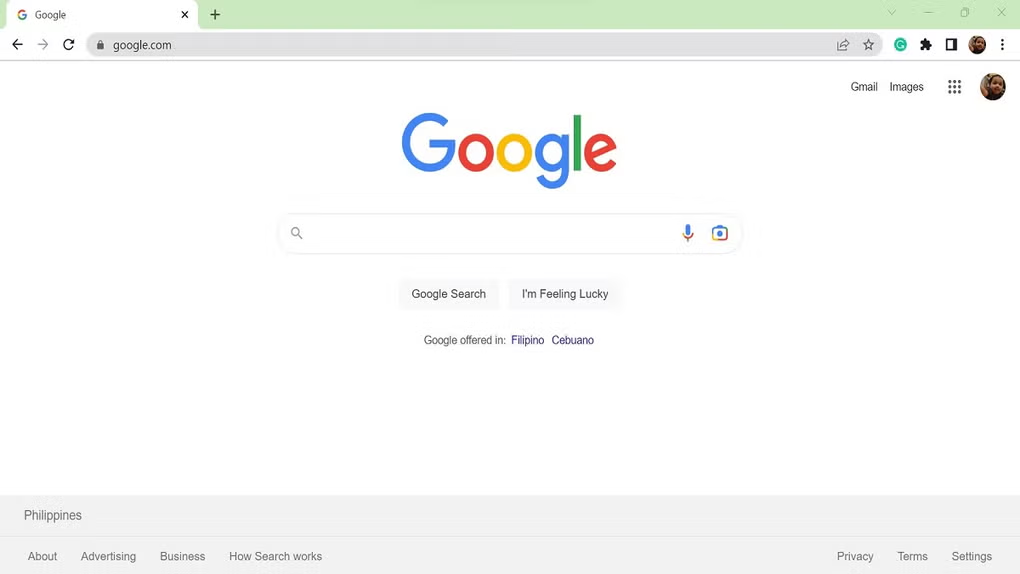
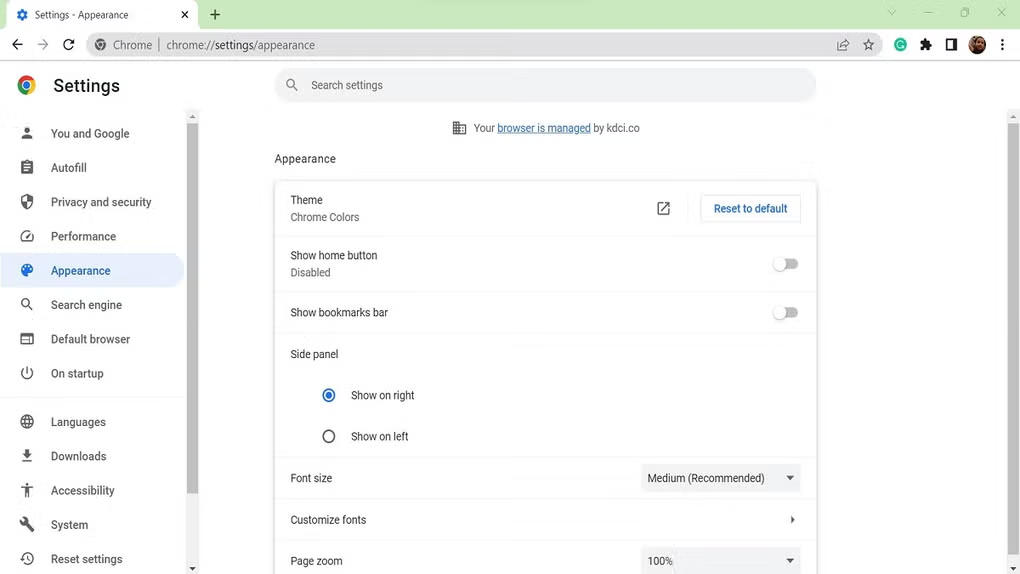
What does Google Chrome look like? Screenshots