What is Opera GX and what does it do?
What is Opera GX and what does it do?
Opera GX is a web browser from Opera built around gaming-focused browsing features. It is based on Chromium, which means it supports modern web standards and can run many extensions designed for Chromium-based browsers. Its main purpose is to provide normal web browsing while adding controls and interface options that are useful for people who play games, stream content, or keep browser tabs open while running other applications.
The browser includes familiar features such as tabs, bookmarks, private browsing, downloads, password management, and extension support. What makes Opera GX distinct is the set of built-in tools grouped around performance control, visual customization, and quick access to gaming services. These features are intended to make the browser easier to manage when system resources matter, such as during gameplay, streaming, voice chat, or multitasking.
What are the key features of Opera GX?
One of the best-known Opera GX features is GX Control. This panel lets users set limits for CPU, RAM, and network bandwidth used by the browser. The controls are designed to help prevent the browser from consuming more resources than desired when games or other demanding programs are running at the same time. The exact effect depends on the device, open tabs, websites, and running background processes.
Opera GX also includes a network limiter, which can be useful when downloads, streaming pages, or web apps compete with online games for bandwidth. The RAM and CPU limiters provide an additional way to keep browser usage within a chosen range, although limiting resources too tightly may affect page loading, video playback, or responsiveness.
The browser includes GX Corner, a built-in area that highlights gaming news, release information, and deals in supported regions. This keeps gaming-related updates accessible from within the browser without requiring a separate website to be opened manually.
Opera GX places several services in its sidebar for quick access. Depending on platform and availability, users may find shortcuts for messaging, social, streaming, and gaming-related services such as Discord and Twitch. These integrations are designed for convenience, allowing users to open supported services in a side panel while continuing to browse in the main window.
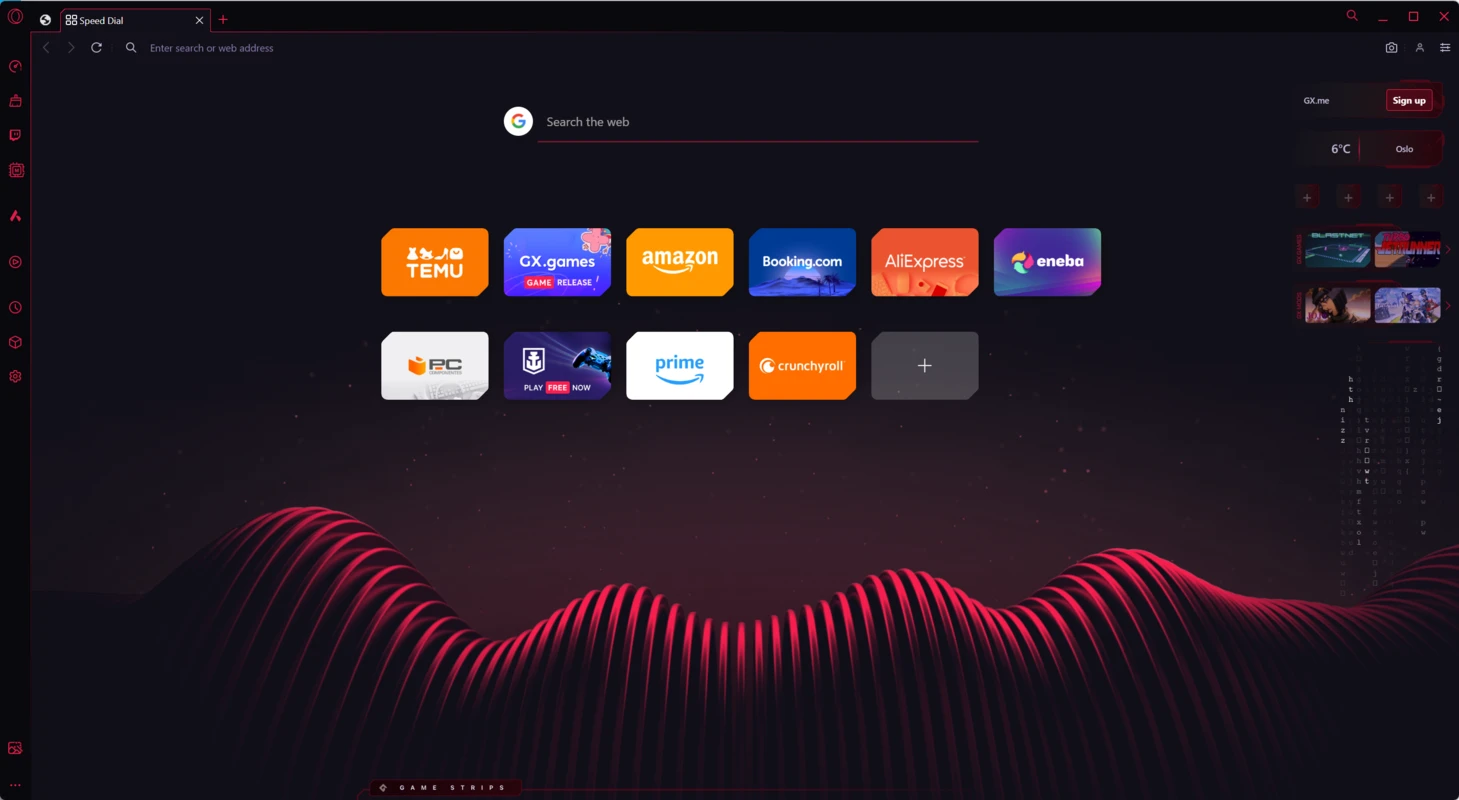
Customization is another major part of Opera GX. The browser supports themes, wallpapers, accent colors, sound effects, and visual effects. It also offers gaming-inspired interface options and supports features such as Razer Chroma integration on compatible hardware. Users who prefer a quieter setup can reduce or disable many visual and audio effects in the settings.
For general browsing, Opera GX includes built-in tools such as an ad blocker, tracker blocking options, a free browser VPN feature, snapshot tools, and a pop-out video feature. These are integrated into the browser rather than requiring separate extensions, though users can still add compatible extensions if needed.
How does Opera GX work?
Opera GX works like a standard Chromium-based browser at its core. Websites load in tabs, web apps run in the browser window, and users can sign in to online accounts, save bookmarks, manage passwords, and install compatible extensions. Because it uses Chromium technology, most modern websites behave similarly to how they do in other Chromium-based browsers.
The gaming-focused tools sit on top of that core browser experience. GX Control monitors and limits selected resource categories according to the settings chosen by the user. For example, a user can set a RAM limit before launching a game, or apply a network limit when a website is using too much bandwidth. These settings are accessible from the browser interface and can be adjusted as browsing needs change.
The sidebar works as a persistent access point for supported tools and services. Instead of opening every service in a full tab, users can open some services in a side panel. This can reduce tab clutter and make it easier to switch between browsing and communication tools, although the services themselves may still use system resources while active.
Opera GX also uses Opera account features for syncing supported data between devices. When sync is enabled, users can keep selected browsing data available across installations. As with any sync feature, users should review the account and privacy settings before enabling it, especially on shared or work-managed devices.
Who is Opera GX for?
Opera GX is primarily aimed at users who want a browser with gaming-oriented controls and design. It is a practical choice for people who often leave a browser open while playing games, using voice chat, watching streams, or running other demanding software. The resource limiters provide more direct control over browser activity than a standard browser interface usually offers.
It may also suit users who like a highly customizable browser. The visual themes, sidebar layout, sound options, and gaming-style design give Opera GX a distinctive appearance. Users who prefer a minimal or traditional browsing interface may need to spend time adjusting settings or disabling effects to make the browser feel less busy.
Opera GX is also useful for users who want built-in convenience features such as ad blocking, tracker blocking, integrated messengers, pop-out video, and browser-level VPN functionality. However, it is still a general-purpose web browser, so its suitability depends on browsing habits, privacy preferences, extension requirements, and how well its resource controls fit the user’s device.
Is Opera GX safe to use?
Opera GX is developed by Opera and is based on Chromium, a widely used browser engine that receives ongoing security improvements. Like other modern browsers, it supports secure website connections, private browsing windows, permission controls, and update mechanisms intended to reduce exposure to known browser vulnerabilities.
The browser’s built-in ad blocker and tracker blocking options can reduce some unwanted web content and tracking scripts, but they do not make browsing risk-free. Users should still be cautious with unknown downloads, suspicious links, deceptive websites, and extensions that request broad permissions.
The built-in VPN feature can help route browser traffic through Opera’s VPN service, but it should be understood as a browser feature rather than a full-device security solution. It does not replace careful account security, strong passwords, two-factor authentication, or a reputable security setup on the operating system.
For the safest experience, Opera GX should be downloaded from the official Opera source or a trusted software portal, kept up to date, and configured according to the user’s privacy and security needs. Reviewing permissions, extension access, sync settings, and sidebar services is especially important on shared computers or systems used for both gaming and work.
What are the pros and cons of Opera GX?
What are the best free alternatives to Opera GX?




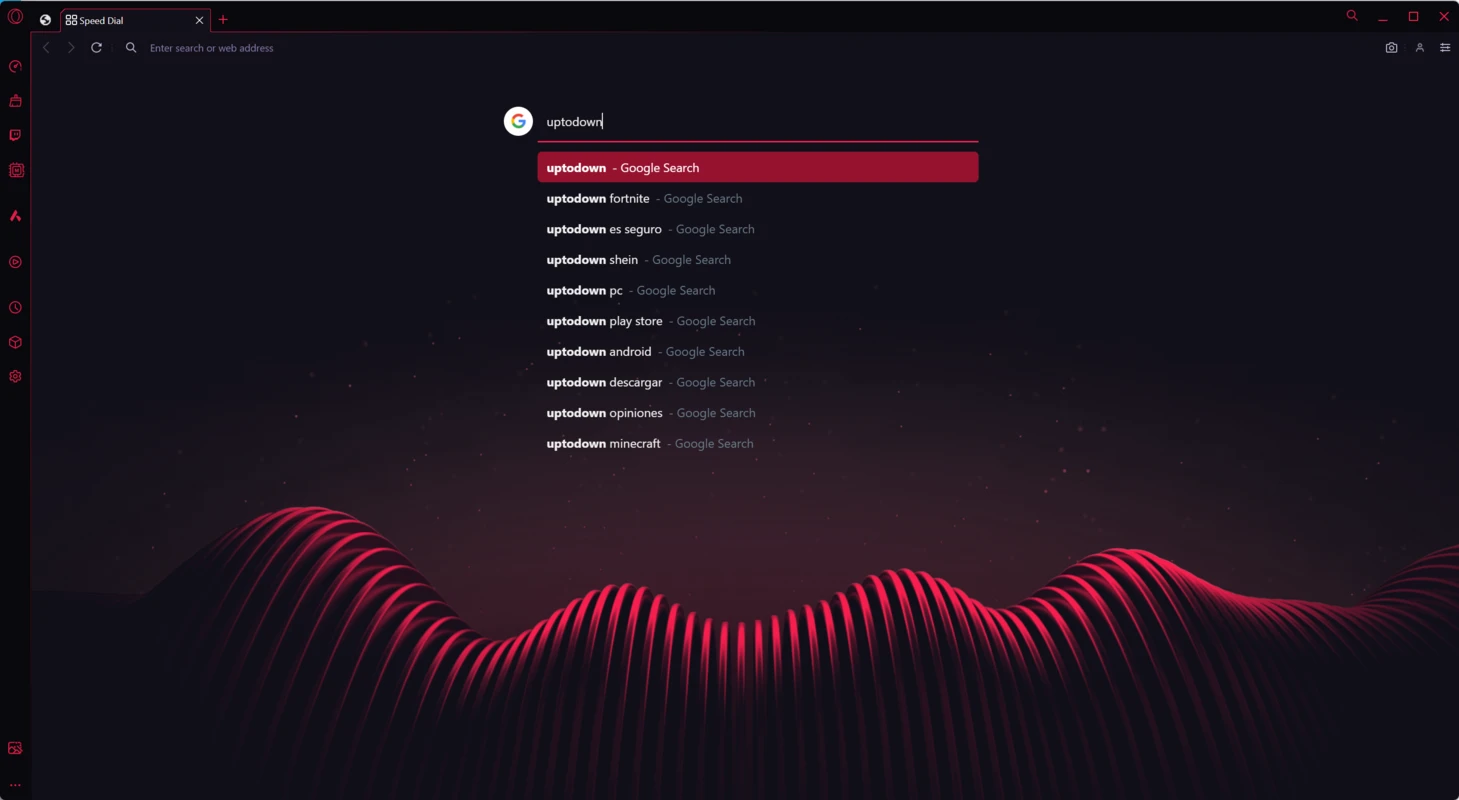
What does Opera GX look like? Screenshots