What is HFS – HTTP File Server and what does it do?
What is HFS – HTTP File Server and what does it do?
HFS – HTTP File Server is a file sharing application that turns a computer into a small HTTP-based file server. Its main purpose is to let selected files and folders be accessed from another device through a web browser, using a standard web address instead of a separate file transfer client.
The software is commonly used for direct, temporary, or controlled file sharing on a local network or over the internet when the server is reachable. Rather than publishing an entire drive by default, HFS – HTTP File Server allows the user to choose which items are made available. This helps keep the shared area focused on the files that are intended for access.
HFS – HTTP File Server is not a general-purpose website builder. Its value is in providing a compact way to serve downloadable files, browse shared folders, and manage access to selected content through an HTTP interface.
What are the key features of HFS – HTTP File Server?
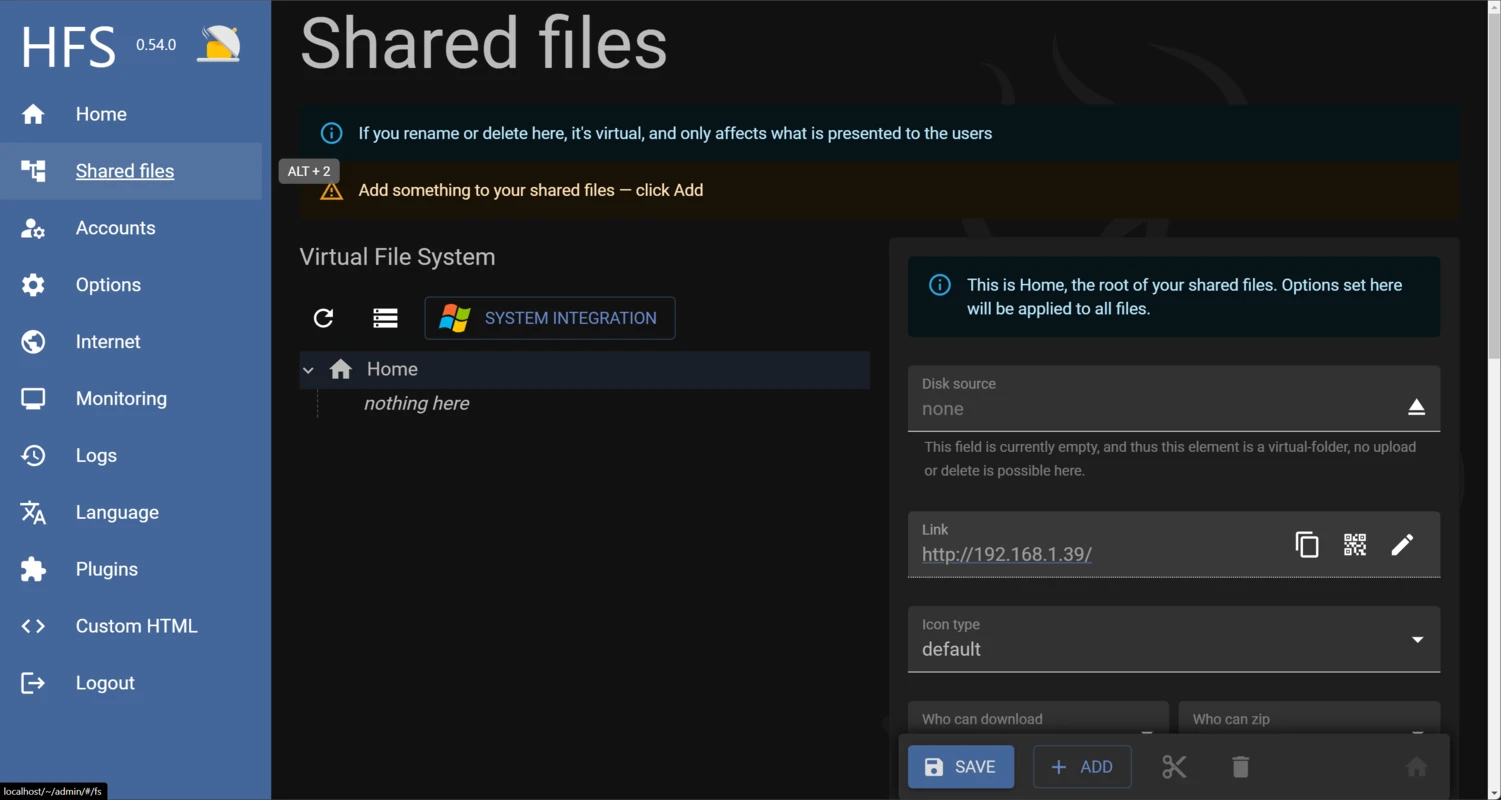
HFS – HTTP File Server focuses on practical file serving features. One of its best-known capabilities is the ability to share files and folders through a browser. Users can add items to the server and make them available through generated links or a browsable page, depending on how the server is configured.
The software uses a virtual file system approach, which means the published structure can differ from the actual folder layout on the computer. This allows a user to present only selected content and arrange it in a way that is convenient for visitors, without necessarily moving the original files.
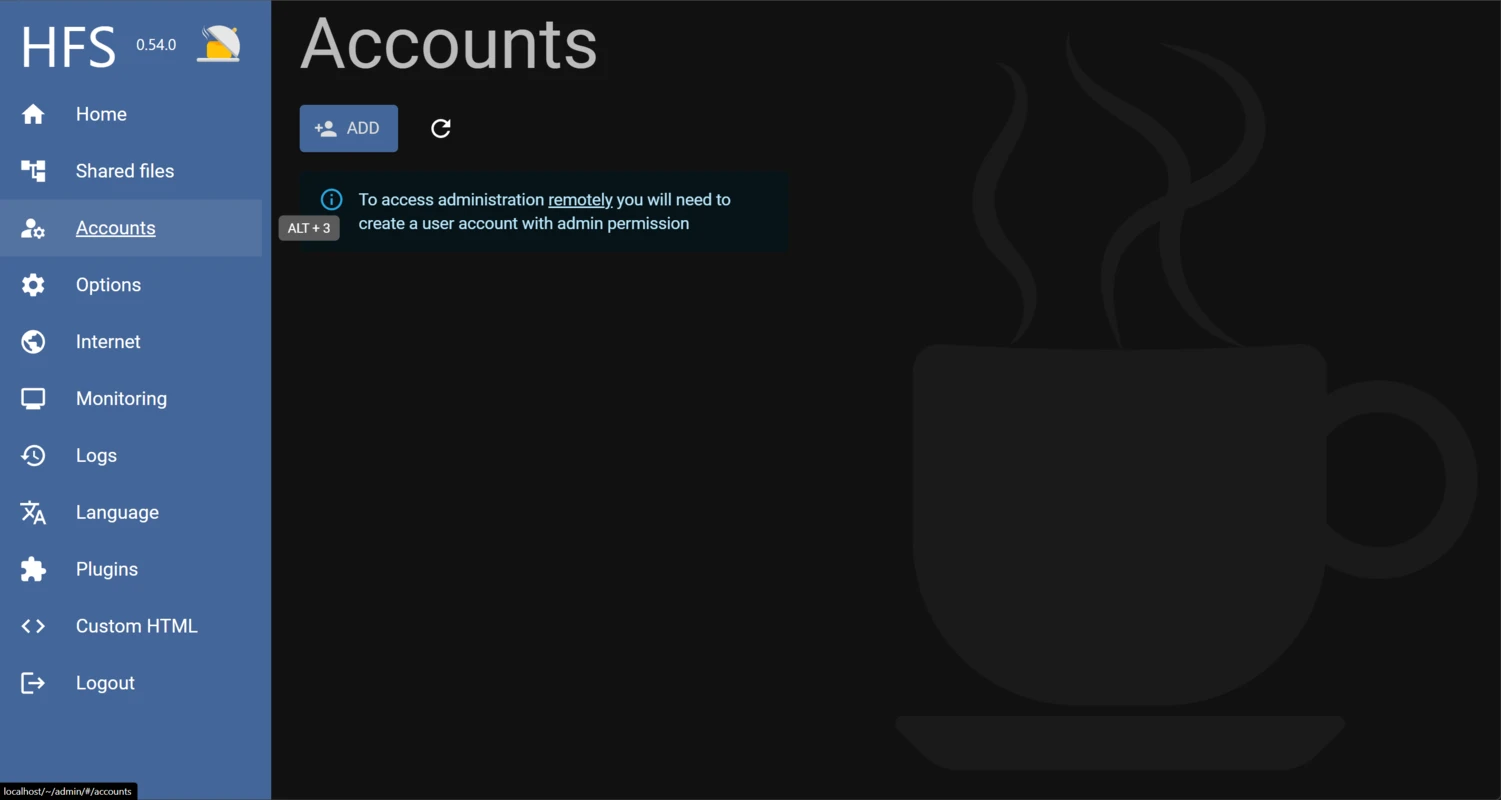
HFS – HTTP File Server also supports common access-control functions. Depending on configuration, shared items can be protected with user accounts and permissions, allowing only authorised users to access specific resources. This is useful when files should not be publicly visible to everyone who can reach the server address.
Another practical feature is logging. Server activity can be monitored so the operator can see connection and transfer information. This helps with basic oversight, troubleshooting, and confirming whether files are being accessed as expected.
The software is also known for offering upload support when enabled. This allows visitors with the required permission to send files to the server. Because uploads can carry security and storage risks, this feature should be configured carefully and limited to trusted users where possible.
How does HFS – HTTP File Server work?
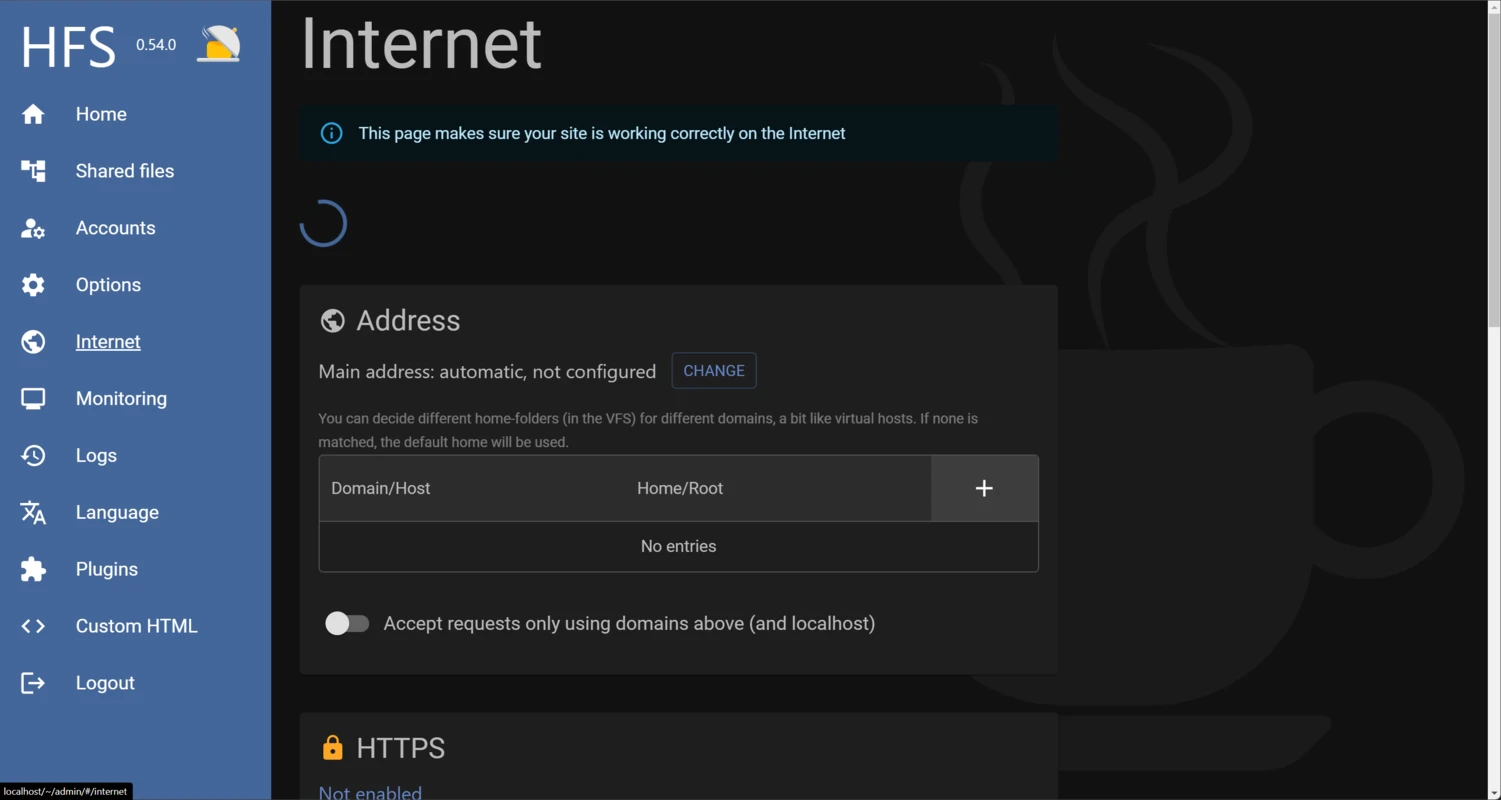
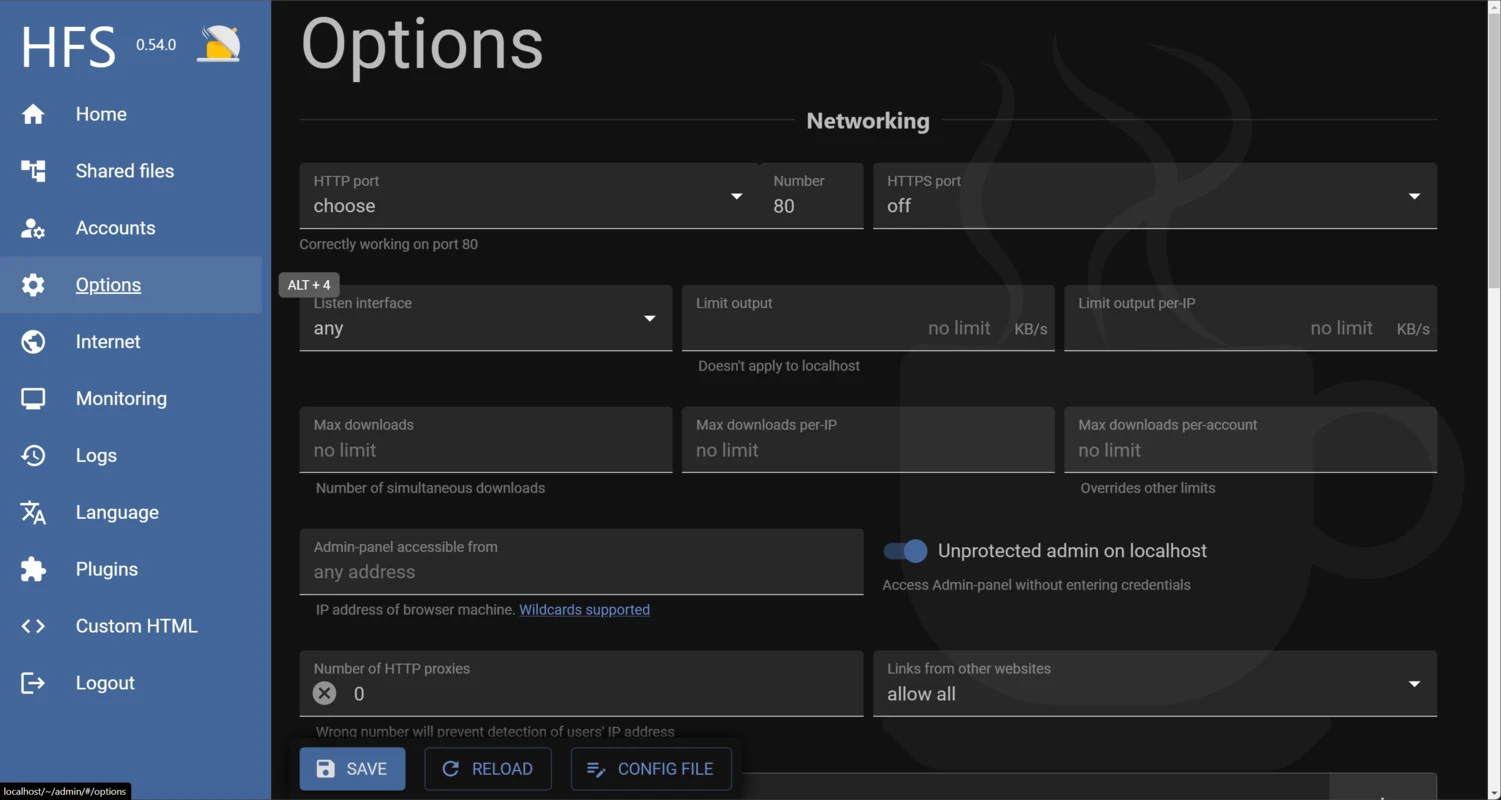
HFS – HTTP File Server works by running a local HTTP service on the host computer. The user selects files or folders to share, and the software presents them through a web interface. Other users connect with a browser by entering the server address, usually including the host name or IP address and the configured port.
On a local network, access is typically limited to devices that can reach the host computer. For internet access, network configuration may be required, such as firewall rules or router port forwarding. The exact setup depends on the network environment, but the principle is the same: the browser must be able to connect to the computer running HFS – HTTP File Server.
The application handles HTTP requests for the shared content. When a visitor clicks a file link, the server provides the file as a download. When folder browsing is enabled, visitors can navigate the shared structure through the generated web page. If authentication is configured, the visitor must provide valid credentials before protected content is shown or downloaded.
This design makes HFS – HTTP File Server suitable for quick sharing without requiring a separate web server package. It is still a server application, however, so the user remains responsible for deciding what is exposed, who can connect, and how the network is secured.
Who is HFS – HTTP File Server for?
HFS – HTTP File Server is intended for users who need a straightforward way to share files from a computer using a browser-accessible link. It can be useful for home users sharing files across devices, small teams distributing documents on a local network, or technical users who need a quick HTTP file endpoint for controlled transfers.
It is also suitable for situations where installing and configuring a full web server would be unnecessary. Because the focus is file access rather than full website hosting, HFS – HTTP File Server is most appropriate when the main task is downloading, browsing, or optionally uploading files through a simple web page.
Users who require highly managed enterprise storage, advanced collaboration workflows, or large-scale hosting infrastructure may need additional systems around it. HFS – HTTP File Server is best understood as a focused HTTP file sharing tool rather than a complete document management platform.
Is HFS – HTTP File Server safe to use?
HFS – HTTP File Server can be used safely when it is configured with care. Like any server software, its security depends on what is shared, how access is restricted, and whether the host computer is protected. Users should only publish files and folders that are intended to be accessible and should review the shared list before making the server reachable from outside a trusted network.
Access control is important when sensitive files are involved. Password protection and user permissions should be used where appropriate, especially if the server is available beyond a private local network. Upload access should be limited because it allows other users to place files on the host system.
Network exposure should also be considered. Opening a port to the internet makes the server reachable to external users, not just intended recipients. Strong credentials, careful permissions, current software, and firewall awareness are important parts of responsible use.
For local, temporary, and clearly scoped file sharing, HFS – HTTP File Server provides a practical way to distribute files over HTTP. The safest results come from sharing the minimum necessary content, disabling features that are not needed, and removing access when the transfer task is complete.
What are the pros and cons of HFS – HTTP File Server?
What are the best free alternatives to HFS – HTTP File Server?


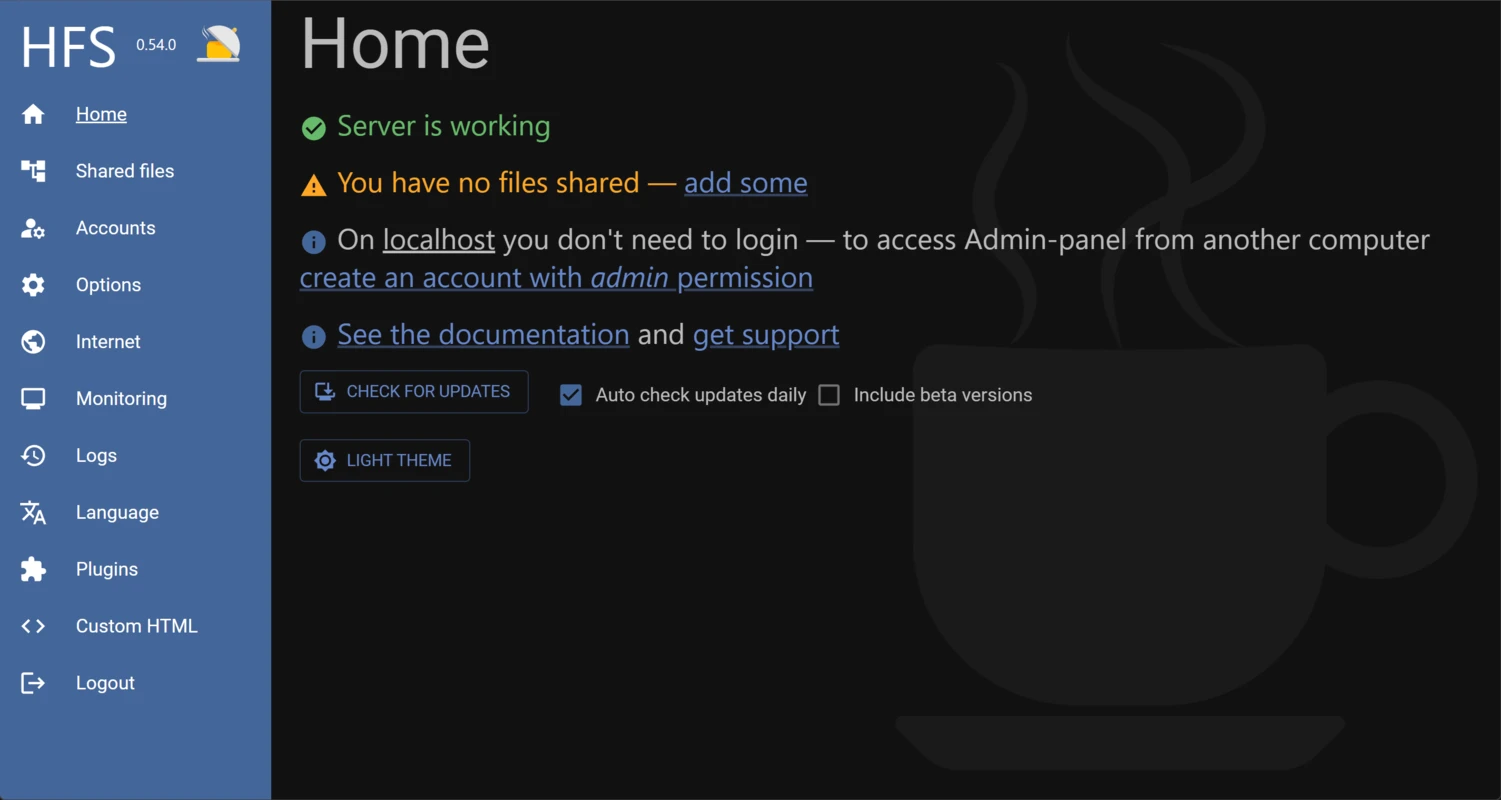
What does HFS – HTTP File Server look like? Screenshots