What is AVG Ultimate and what does it do?
What is AVG Ultimate and what does it do?
AVG Ultimate is a paid software bundle that brings together AVG products for security, privacy, and performance maintenance under one subscription. It is aimed at users who prefer a single package instead of managing separate antivirus, VPN, and cleanup utilities.
The suite is best understood as a collection of AVG tools rather than a single-purpose application. On supported devices, it can provide malware protection, web and email threat detection, ransomware safeguards, a secure VPN connection, and system tune-up features. Exact tools and features can vary by operating system, because Windows, macOS, Android, and iOS allow different levels of access to security and maintenance functions.
AVG Ultimate is commonly used to protect personal devices from everyday threats such as malicious downloads, unsafe websites, phishing attempts, suspicious attachments, and potentially unwanted programs. It also includes privacy-focused features intended to help protect internet traffic on public Wi-Fi and reduce exposure when browsing online.
What are the key features of AVG Ultimate?
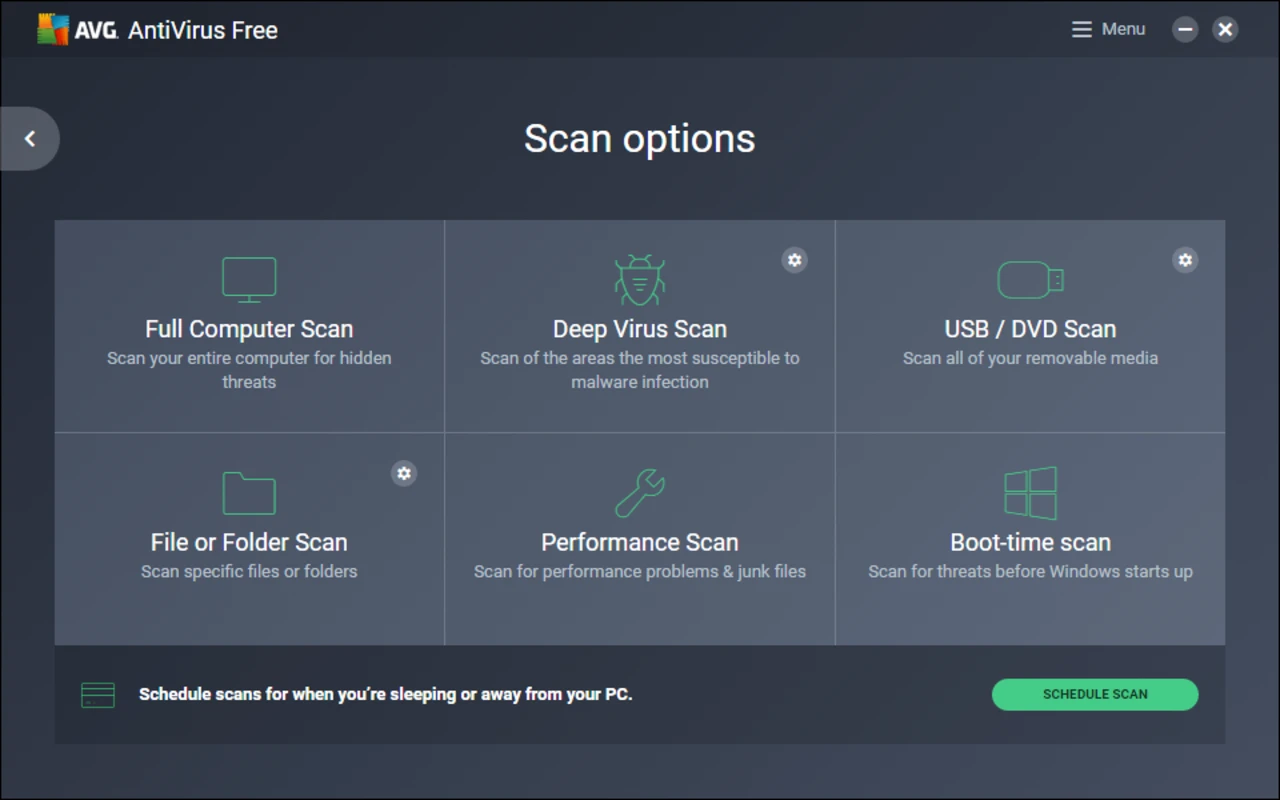
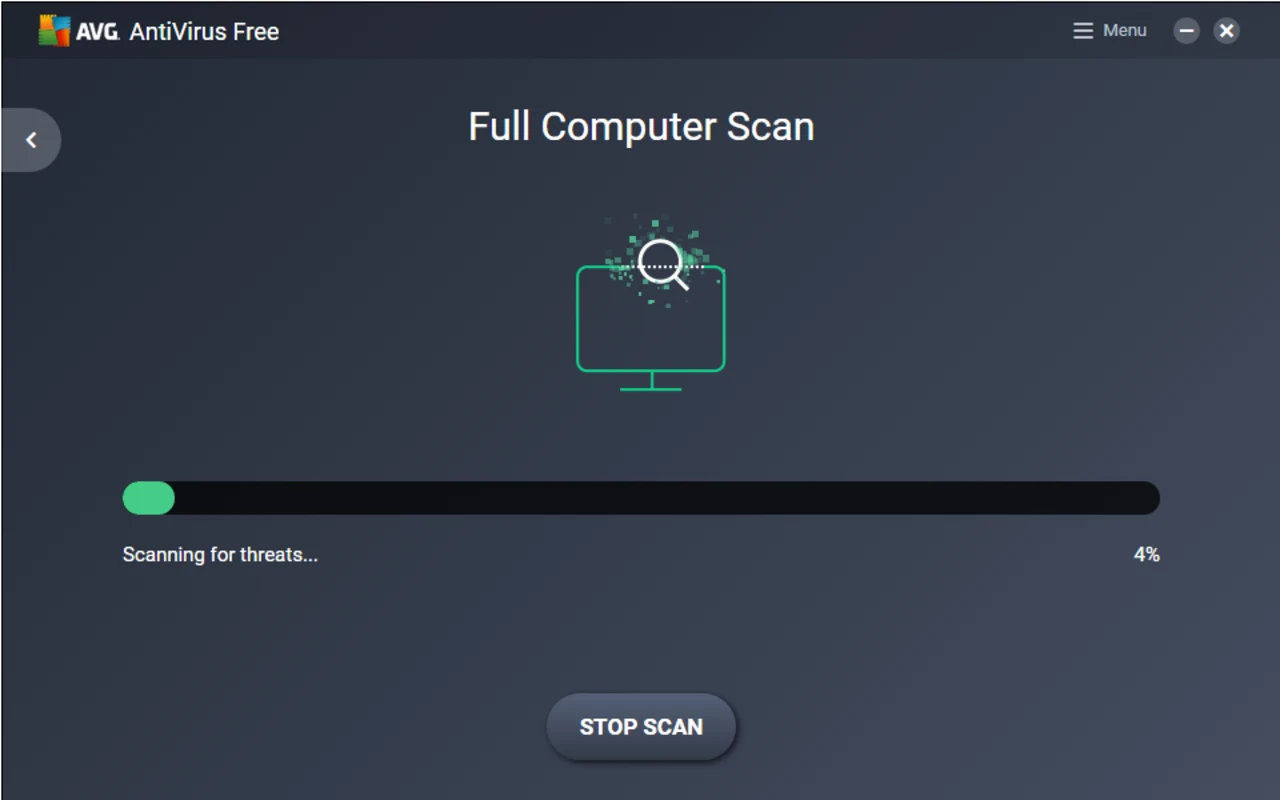
Real-time antivirus protection is one of the main components of AVG Ultimate. The security tools monitor files, apps, and downloads for known and suspicious threats, helping block malware before it can run. AVG also includes scanning options for checking selected files, folders, or the whole system.
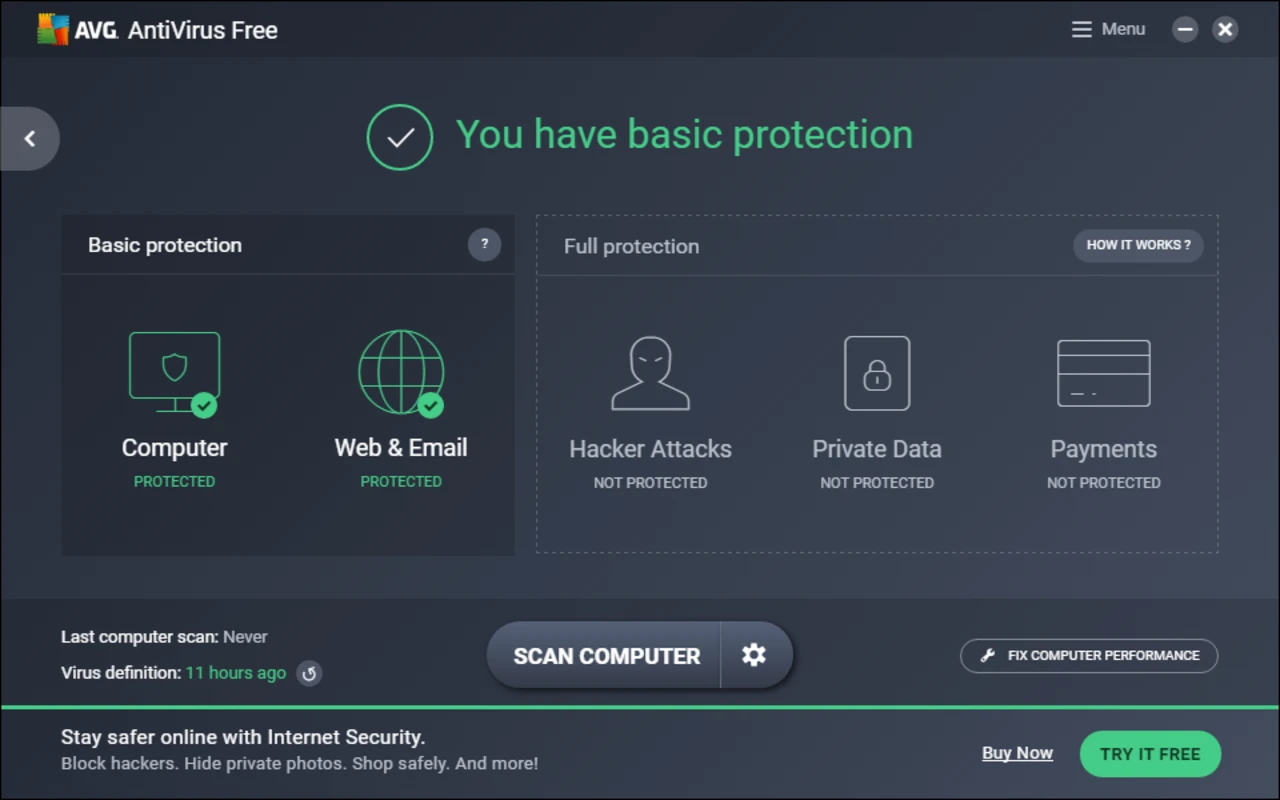
Web and email protection helps identify unsafe links, suspicious websites, and potentially dangerous attachments. These protections are designed to reduce the risk of phishing pages, malicious downloads, and scam messages that attempt to steal account details or install unwanted software.
Ransomware protection helps guard sensitive files from unauthorized changes by untrusted applications. This type of feature is especially useful for folders containing documents, photos, or other personal data that users do not want encrypted or altered by malicious software.
Firewall and network protection features are available on supported platforms, particularly Windows. These tools help monitor network connections and can add control over which applications are allowed to communicate online.
AVG Secure VPN is included as part of the Ultimate package in supported subscriptions. It encrypts internet traffic between the device and the VPN server, which can help protect data on public Wi-Fi networks and make browsing activity less visible to local network operators.
Performance and cleanup tools are another important part of AVG Ultimate. AVG TuneUp features can help identify temporary files, browser clutter, unused applications, and background processes that may affect device performance. These tools are intended to free up storage space and help keep systems running more smoothly.
How does AVG Ultimate work?
AVG Ultimate works by installing the relevant AVG applications for each supported device. After activation with a valid subscription, users can enable the security, privacy, and performance components available for that platform. The software then updates its threat definitions and program components automatically when updates are available.
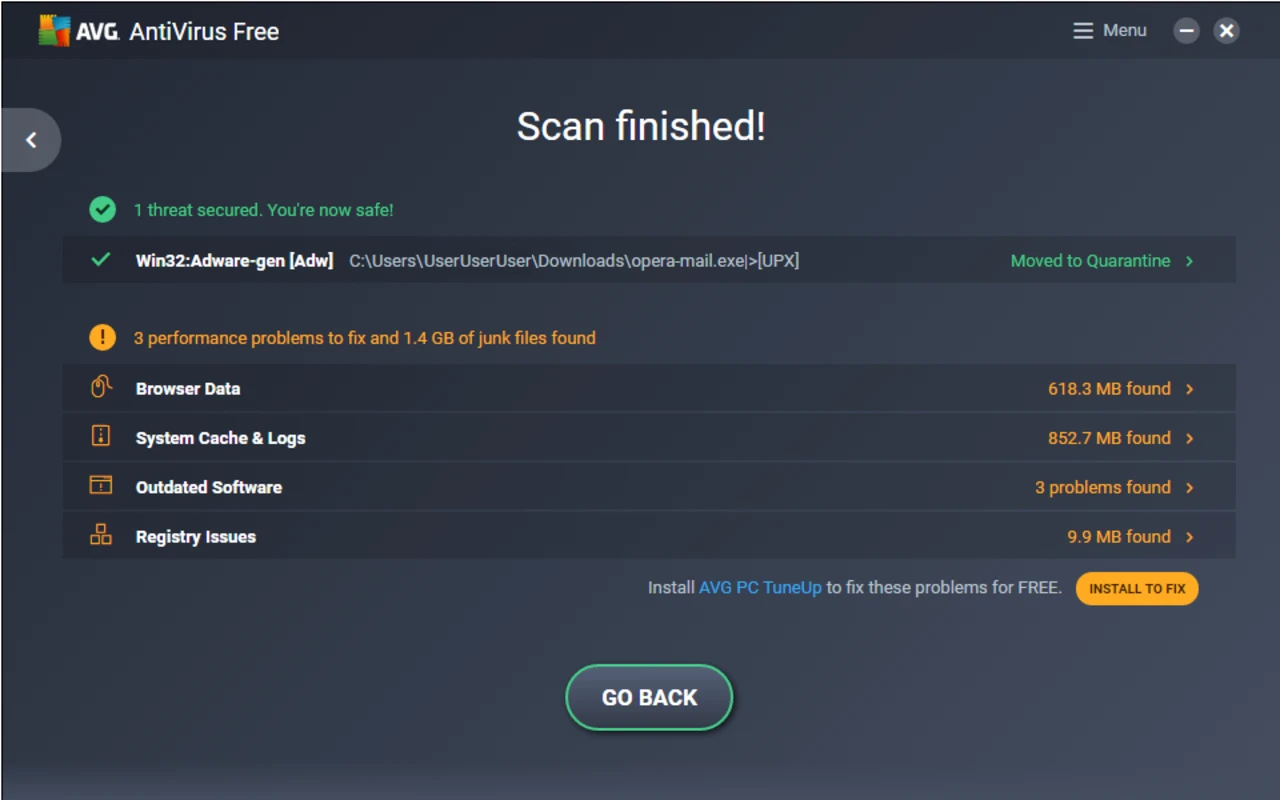
The antivirus engine uses a combination of signature-based detection, behavior monitoring, and cloud-assisted threat intelligence to identify known and emerging threats. When AVG detects a suspicious file or activity, it can block the action, move the item to quarantine, or prompt the user to decide what to do next.
The VPN component works differently from the antivirus tools. When switched on, it creates an encrypted connection for internet traffic and routes it through a selected VPN server. This does not replace antivirus protection, but it can help protect data from interception on unsecured networks and reduce direct exposure of the device’s IP address to websites and services.
The tune-up tools scan for items that may be safe to remove or adjust, such as temporary files, cached browser data, broken shortcuts, and programs that start unnecessarily with the device. Users should review cleanup recommendations before applying them, especially when removing browser data or disabling startup items.
Who is AVG Ultimate for?
AVG Ultimate is suited to home users who want a broad AVG package covering several common needs: antivirus protection, online privacy, and device maintenance. It may be useful for people who manage multiple personal devices and prefer one subscription for supported computers, phones, and tablets.
The software is also relevant for users who frequently connect to public Wi-Fi, download files from the web, shop or bank online, or want help identifying unsafe websites and phishing attempts. Its cleanup features can be useful for users who want guided tools for removing junk files and managing background activity without manually searching through system settings.
AVG Ultimate may be more than is needed for users who only want basic antivirus scanning, or for those who already use separate VPN and cleanup tools. It is also important to check platform support before installing, because mobile operating systems and macOS do not provide the same feature set as Windows.
Is AVG Ultimate safe to use?
AVG Ultimate is safe to use when downloaded from AVG’s official website or a reputable software source and activated with a legitimate subscription. AVG is a long-established security brand, and its products are designed to protect devices against malware, phishing, unsafe downloads, and other common digital threats.
As with any security suite, AVG Ultimate requires system permissions to scan files, monitor activity, manage network protection, and run background services. These permissions are normal for antivirus and privacy software, but users should still download only genuine installers and avoid unofficial modified versions.
Users should also keep AVG Ultimate updated. Security software depends on current detection data and program updates to recognize new threats and maintain compatibility with operating system changes. Running regular scans, reviewing alerts carefully, and keeping the subscription active help ensure the suite continues to provide its intended protections.
What are the pros and cons of AVG Ultimate?
What are the best free alternatives to AVG Ultimate?


What does AVG Ultimate look like? Screenshots