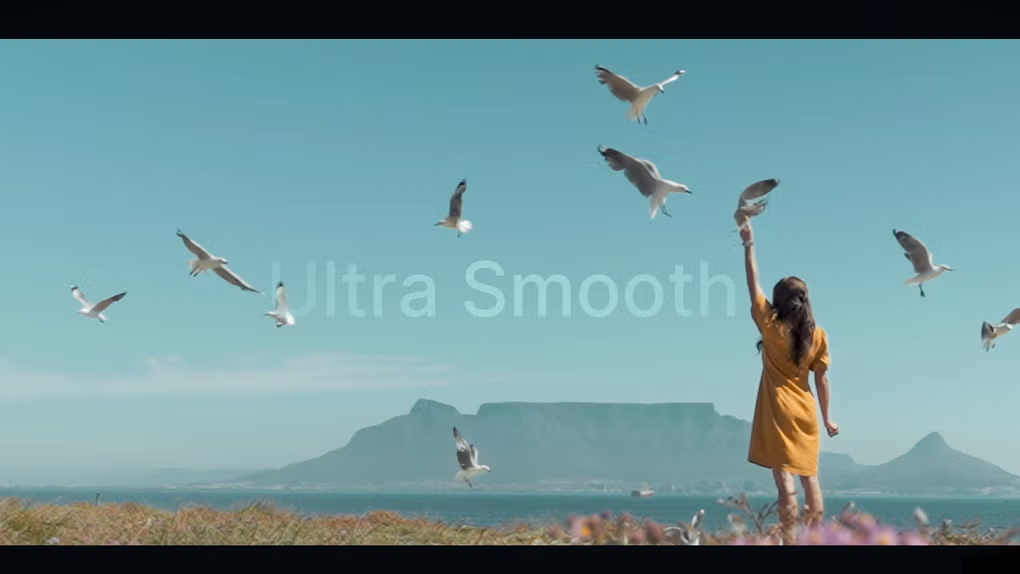
What is Topaz Video AI for AI Video generator & editor and what does it do?
Topaz Video AI: Professional Video Enhancement for Upscaling, Denoising, and Stabilization
Topaz Video AI is an enhancement tool built for one job: making problem footage look better. It’s the kind of software editors reach for when a clip is important, the deadline is real, and reshooting is not happening. Low light noise, soft detail, handheld shake, old interlaced recordings, compression artifacts—these are the issues it targets.
It’s also worth being clear about what it is not. Topaz Video AI is not a full editor. There’s no timeline built for cutting a project from start to finish. Instead, it fits best as a specialist step in the middle of a workflow: you edit first, export the shots that need help, enhance them in Topaz, then bring the cleaned versions back into your main timeline.
What Topaz Video AI Is Designed to Fix
Most footage doesn’t fail in obvious ways. It fails in small ways that add up: a noisy interview that looks rough on a big screen, a phone clip that’s usable but soft, a handheld shot that distracts the viewer because it jitters. Topaz Video AI is built for exactly those “almost good” clips.
Editors typically use it for:
- Noise reduction in low-light or high-ISO footage
- Upscaling older or lower-resolution clips for modern delivery
- Stabilization when camera shake pulls attention away from the subject
- Motion cleanup for clips that look smeared or uneven during movement
- Restoration tasks like deinterlacing or cleaning legacy recordings
The key difference from basic filters is that Topaz models analyze information across frames. Many traditional tools treat each frame like a separate image. That approach can work for quick fixes, but it often breaks down on video because motion and detail are connected across time.
Denoising That Aims to Keep Natural Texture
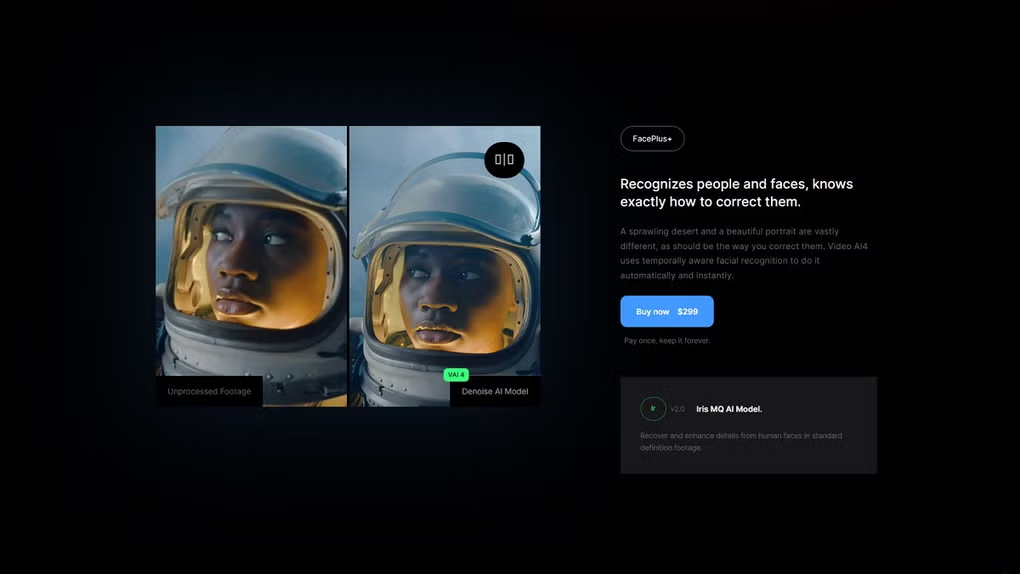
Denoising sounds straightforward until you try to do it well. Remove too little and the footage still looks gritty. Remove too much and everything turns smooth and artificial—faces lose texture, hair becomes a soft blob, and the whole shot starts to look “processed.” That’s the common trap.
Topaz Video AI’s denoising is designed to reduce distracting artifacts while keeping detail that viewers expect to see. The best results tend to come from a balanced approach: clean the noise that reads as digital clutter, but keep the subtle grain and texture that makes the image feel real.
This is where Topaz is often used in professional work: cleaning interview footage, documentary scenes, event videos, and older camera clips where the story matters more than the camera quality. When it works well, the improvement feels quiet. The shot doesn’t scream “enhanced.” It just looks like it should have looked in the first place.
Upscaling: Making Lower-Resolution Footage Hold Up Today
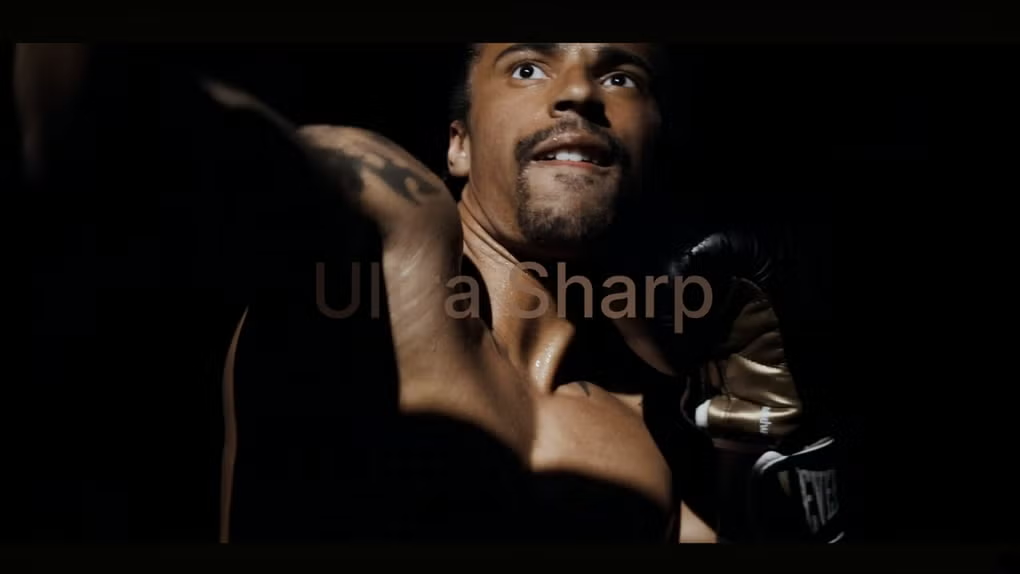
Upscaling is one of the main reasons people buy Topaz Video AI. But it helps to define “upscaling” in practical terms. The goal is not to invent detail that was never captured. The goal is to produce a larger, cleaner image that looks sharper and more stable on modern screens without turning edges into crunchy halos.
Topaz includes multiple AI models because footage is not one-size-fits-all. Some clips have lots of fine texture—brick walls, hair, foliage, fabric patterns. Other clips are more sensitive—faces, skin tones, smooth gradients, cinematic lighting. A model that’s perfect for textured detail can look harsh on faces. A model that protects skin can look a little softer on distant fine detail. That’s normal.
A good habit is to test a short section and judge it on what matters:
- Do faces still look natural up close?
- Do edges look clean, not outlined?
- Does the background stay stable, or does it shimmer?
- Does the motion look smooth, or does it break apart?
If you treat model choice like a creative decision rather than a default setting, results usually improve quickly.
Frame Interpolation and Slow Motion
Topaz Video AI also offers frame interpolation, used to create smoother playback or slow-motion effects by generating new frames between existing ones. This can be extremely useful—especially when the original footage is limited by a low frame rate—but it’s also an area where you need to watch for artifacts.
Interpolation tends to work best on controlled movement: interview shots, gentle camera pans, drone footage, and scenes with consistent motion. It becomes harder when the clip includes fast action, lots of occlusion (objects crossing in front of each other), flickering lights, or complex textures moving quickly. In those cases, small distortions can appear, and they’re easier to notice than plain old motion blur.
The smart workflow is boring but effective: preview a short section, inspect the parts with the most movement, then commit to the full export only if the clip holds up under scrutiny.
Stabilization for Shaky Clips
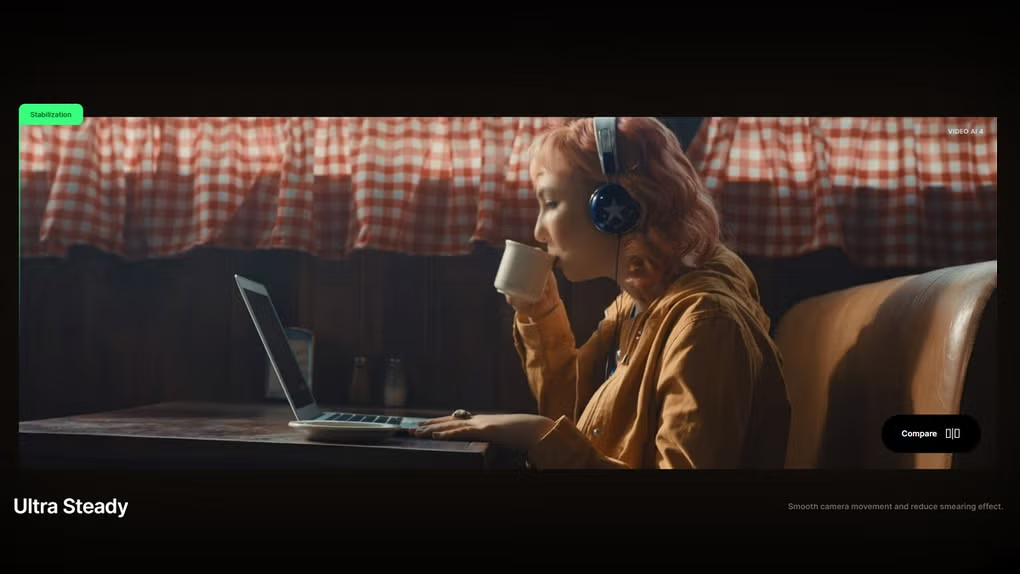
Stabilization is another feature that sounds simple until you push it too far. Subtle stabilization can make handheld footage feel intentional. Heavy stabilization can create warping, rubber edges, or a floating “locked” look that feels unnatural—especially in wide shots with lots of perspective shifts.
Topaz stabilization is most useful when you aim for restraint. If the viewer stops noticing the shake, you’ve done enough. If the viewer starts noticing the correction, you’ve probably gone too far.
Batch Processing and Presets
Topaz Video AI can handle batch processing, which matters when you have many clips shot under similar conditions. Once you find settings that work for that camera and lighting situation, applying them consistently can save real time.
Presets can be a solid starting point, particularly for new users. But the best results usually come from small adjustments rather than running everything at full intensity. A slightly conservative enhancement that stays natural will age better than an aggressive enhancement that looks impressive for five seconds but falls apart on close inspection.
Export Formats and Storage Reality
Topaz exports can be flexible, but there is one practical detail that surprises people: output files can get large. If you upscale and export to a high-quality intermediate format for editing, file size can jump quickly. That’s not a flaw—it’s the cost of keeping detail and avoiding heavy compression on the enhanced result.
For professional workflows, many editors export enhanced clips in an editing-friendly format, reimport them to replace the original problem shots, then finish color grading and delivery in the main NLE. That approach keeps the Topaz step clean and contained.
Performance and Hardware Considerations
Topaz Video AI is GPU-heavy. When it’s working hard, it can push your graphics card close to full utilization. That’s why performance varies so much from one system to another. A machine that feels excellent for editing can still feel slow for AI enhancement if the GPU is underpowered or VRAM is limited.
Render time depends on the source, the target resolution, and the model complexity. Upscaling plus interpolation will generally take much longer than light denoising on a short clip. Many editors treat Topaz exports as a planned render step—something they run during breaks or overnight—rather than something they try to squeeze in between live edits.
It also helps to be realistic about multitasking. If Topaz is saturating your GPU, your workstation may not feel great for heavy work at the same time. That’s normal in this category of software.
Workflow Integration: How Editors Actually Use It
Topaz Video AI works best when it’s used with intention. Editors usually don’t throw entire projects at it. They use it to rescue the shots that need help.
A common, practical workflow looks like this:
- Finish the creative edit in your main editor first.
- Identify the clips that are visibly weaker or distracting.
- Export those clips in a quality format that won’t fight the enhancement step.
- Process in Topaz Video AI with clip-appropriate settings.
- Reimport the enhanced versions and continue with grading and delivery.
That approach keeps your project manageable. It also makes it easier to compare “before vs after” and confirm you improved the clip rather than simply changing it.
Who Topaz Video AI Is Best For
Topaz Video AI is a good fit for creators and editors who regularly deal with imperfect source footage and still need professional results. It tends to make the most sense for:
- Editors cleaning low-light or noisy footage
- Creators upscaling older clips for modern platforms
- Restoration work involving interlaced or legacy recordings
- Teams working with mixed-quality client footage
- Projects where reshooting is impossible
It is less ideal if you expect it to replace a full editor, or if your hardware is too limited for heavy GPU workloads. In those cases, the time cost can outweigh the benefit.
Final Summary
Topaz Video AI is a specialized enhancement tool that focuses on real-world problems: noise, softness, shake, and low resolution. Its strength is not a single feature—it’s the ability to improve footage in a way that stays coherent over time, not just frame-by-frame. Used selectively, it can rescue clips that would otherwise look out of place in a polished project.
If you work with a lot of downloaded media and want smoother playback on Windows outside your editor, a light, genuinely relevant internal link can make sense here: K-Lite Mega Codec Pack.
What are the pros and cons of Topaz Video AI for AI Video generator & editor?
What are the best free alternatives to Topaz Video AI for AI Video generator & editor?

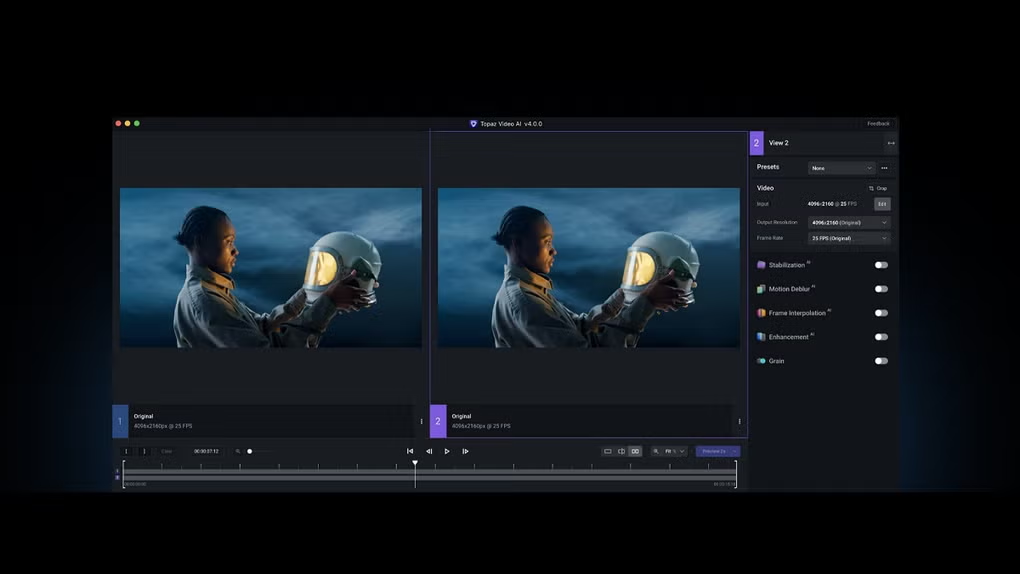
What does Topaz Video AI for AI Video generator & editor look like? Screenshots