What is VLC media player and what does it do?
What is VLC media player and what does it do?
VLC media player is a free and open-source multimedia application designed to play video and audio content across many common file types and sources. Version 3.0.23 continues the VLC 3.x line, which is known for wide codec support, a lightweight interface, and compatibility with different operating systems.
The main purpose of VLC media player is straightforward: it opens and plays media files reliably. It can handle popular video and audio formats, DVD media, audio CDs, and network streams. For many users, its key value is that it can play files that may not open in a basic system media player, especially when the file uses a less common container or codec.
VLC media player is also more than a basic playback window. It includes tools for subtitles, audio track selection, video adjustments, playlists, media information, and streaming playback. These functions are built into the application, so users do not need to install a large set of separate playback components for everyday media use.
What are the key features of VLC media player?
One of the best-known features of VLC media player is its broad format support. It can play many widely used formats such as MP4, MKV, AVI, MOV, MP3, FLAC, AAC, OGG, and many others. It also supports a range of containers and codecs through its built-in media framework, reducing the need for external codec packs.
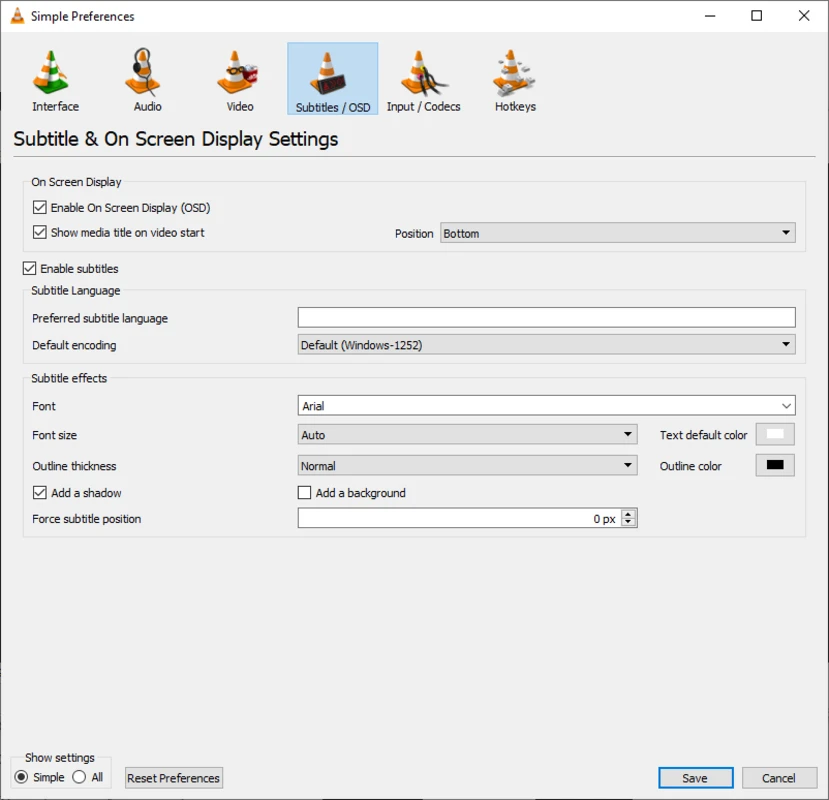
VLC supports subtitle files and embedded subtitle tracks. Users can load common subtitle formats, adjust timing when subtitles are out of sync, and choose between available subtitle streams in supported files. This is useful for films, TV episodes, lectures, and downloaded or archived media that includes separate caption files.
The player includes flexible audio and video controls. Users can change playback speed, adjust volume, switch audio tracks, set aspect ratio options, crop video, deinterlace when needed, and use basic video effects. Audio options include an equalizer and synchronization adjustments, which can help when audio and video are not aligned correctly.
Playlist support is built in, allowing VLC media player to queue multiple files and organize playback sessions. It can also open network URLs for supported streaming protocols, making it useful for playing media available over a local network or from a direct stream address.
Another important feature is cross-platform availability. VLC media player is available on major desktop operating systems and also has mobile versions. The interface and feature set can vary by platform, but the core purpose remains the same: playing media files and streams with broad compatibility.
How does VLC media player work?
VLC media player works by using its own playback engine and built-in support for many codecs and media containers. When a file is opened, VLC identifies the container, reads the audio, video, subtitle, and metadata streams, and then decodes the content for playback. This approach is why VLC can often play media without relying heavily on system-installed codecs.
Opening a file is usually as simple as selecting it from the file menu, dragging it into the VLC window, or setting VLC as the default player for supported media types. The player then displays standard controls for play, pause, seeking, volume, fullscreen, and playlist navigation. Advanced options are available through menus, but the basic workflow remains simple for everyday use.
For discs, VLC can open DVD and audio CD media where supported by the system and hardware. For streams, users can paste a network media address into the Open Network Stream option. VLC then attempts to connect to the source and play the media if the format and protocol are supported.
VLC also includes conversion and streaming functions. These tools can be used to save media in another supported format or stream media across a network. They are not the focus for every user, and results depend on source files, selected codecs, and system performance, but the functions are part of VLC’s built-in toolset.
Who is VLC media player for?
VLC media player is suitable for users who need a dependable player for many types of media files. It is commonly used by people who keep local video collections, play downloaded or archived files, watch DVDs, listen to audio files, or work with media that uses varied formats.
It is also useful for students, educators, and professionals who need to play recordings, presentations, training videos, or lecture files without spending time searching for specific codec support. The subtitle and playback speed controls can be helpful for language learning, transcription, and reviewing recorded material.
More technical users may value VLC because it exposes detailed playback information and includes options for network streams, track selection, synchronization, and conversion. At the same time, the basic interface remains accessible enough for users who only want to double-click a file and watch or listen.
VLC is not intended to be a full media library management platform in the same way as dedicated cataloging or media server tools. While it can create playlists and open many sources, its main strength is direct playback and format compatibility rather than long-form collection management.
Is VLC media player safe to use?
VLC media player is an established open-source project from VideoLAN. Because it is widely distributed, users should download it from the official VideoLAN website or a reputable software download portal to reduce the risk of modified installers, bundled unwanted software, or fake download pages.
As with any media player, safety also depends on the files being opened. Media files from unknown sources can sometimes be malformed or intentionally crafted to target software vulnerabilities. Keeping VLC media player updated and using trusted file sources are sensible precautions.
VLC does not require users to create an account for normal local playback, and it can be used offline for local files. Some features, such as network stream playback, require connecting to external or local network sources chosen by the user. Privacy and security expectations may vary depending on how those sources are used.
Overall, VLC media player 3.0.23 is best understood as a practical, format-friendly media player with a long-standing open-source background. Its value comes from broad playback support, clear controls, subtitle handling, and built-in tools that cover many common video and audio playback needs.
What are the pros and cons of VLC media player?
What are the best free alternatives to VLC media player?

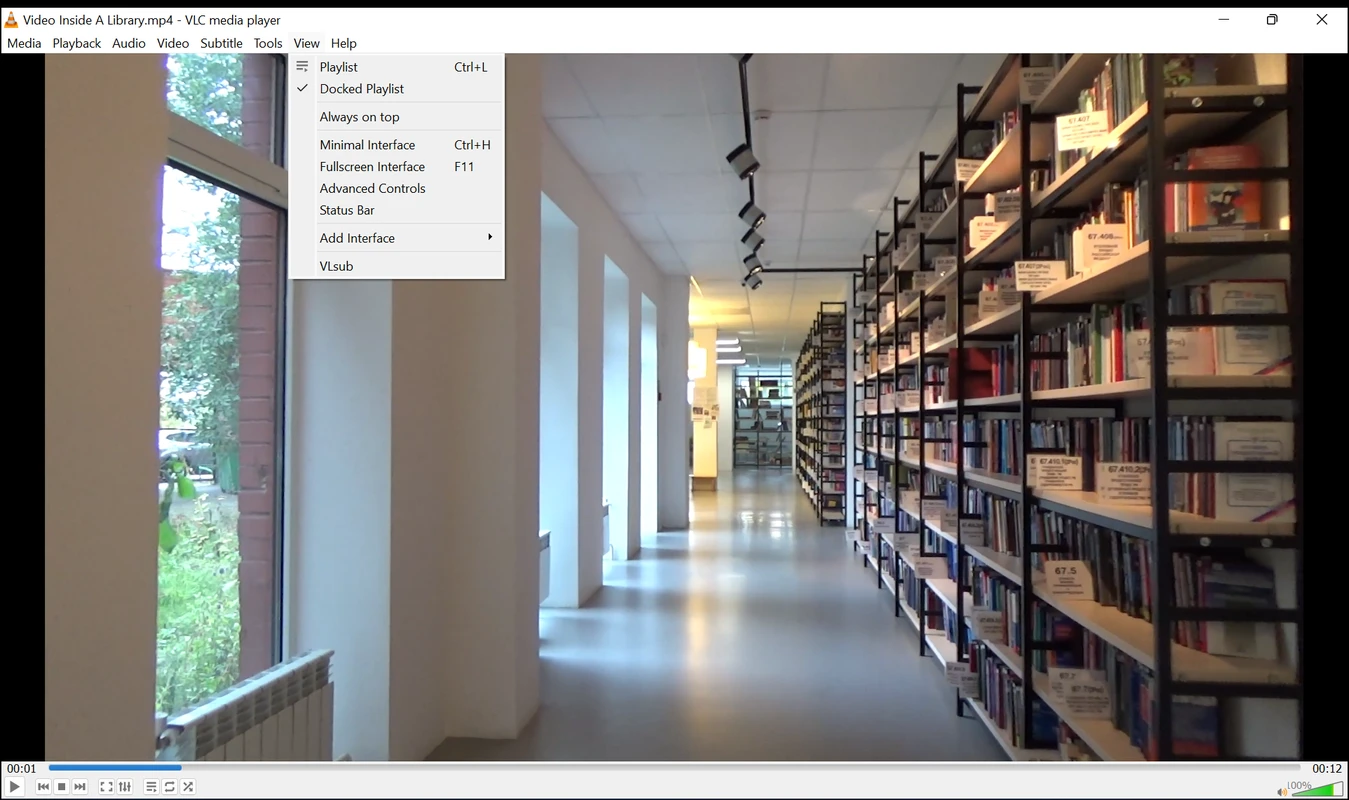
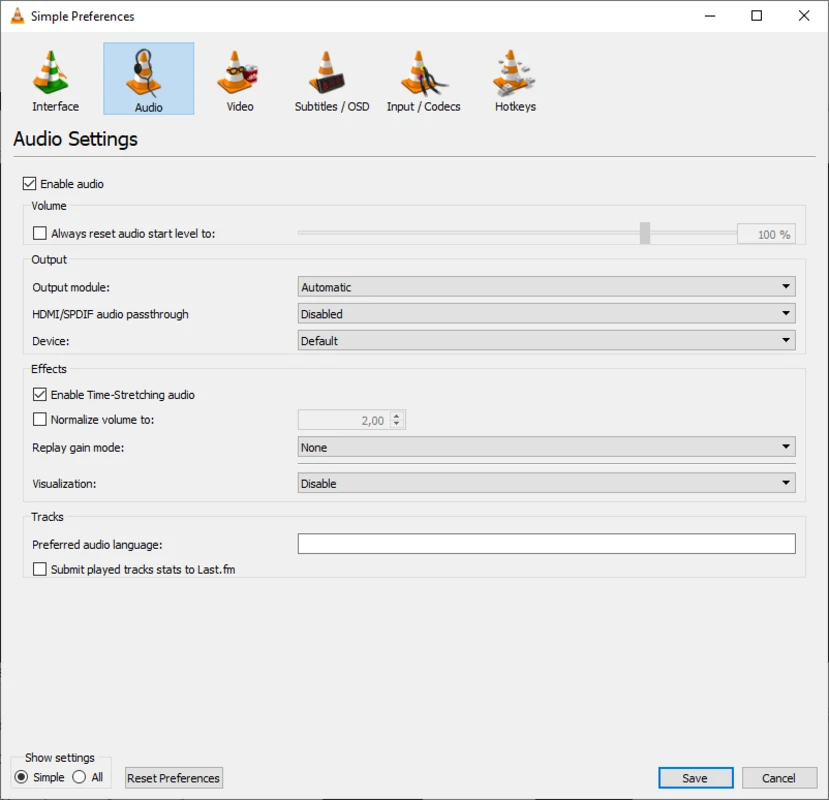
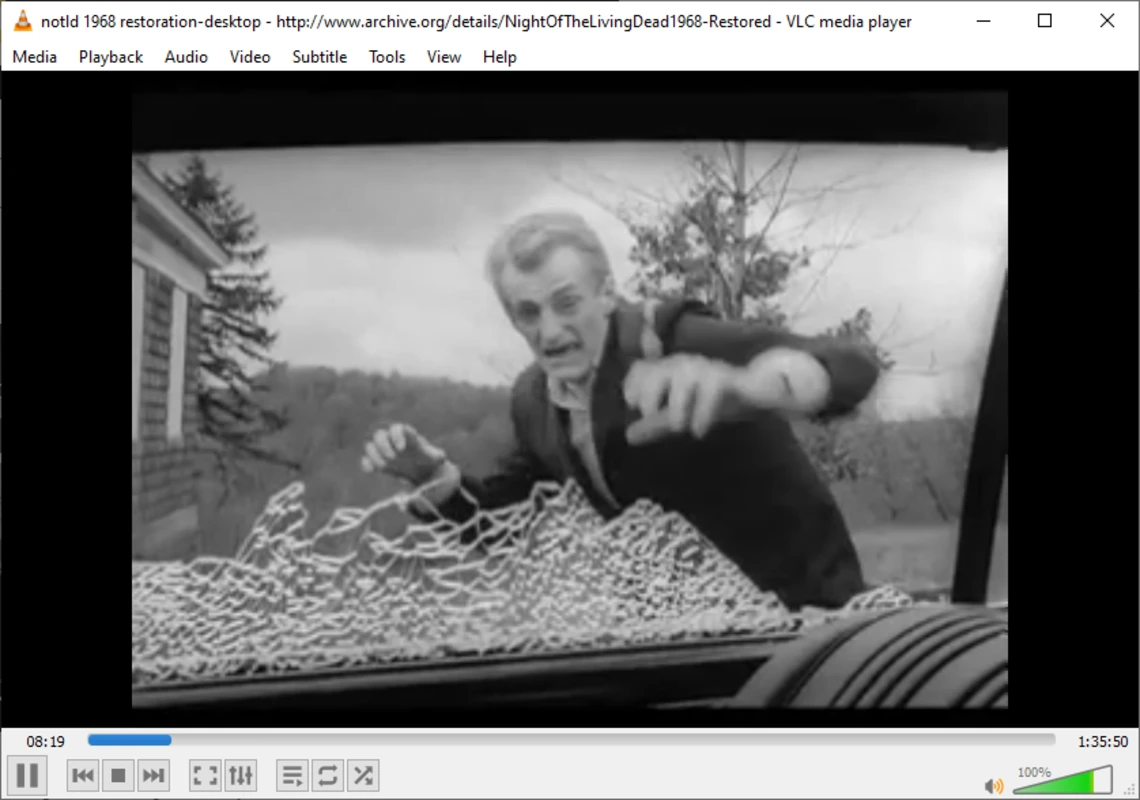
What does VLC media player look like? Screenshots