What is Maxon CINEMA 4D and what does it do?
What is Maxon CINEMA 4D and what does it do?
Maxon CINEMA 4D is a professional 3D creation package for artists and studios that need tools for modeling, animation, motion graphics, simulation, and rendering in one application. Version 2026.3.1 continues the software’s role as a production-focused environment for creating 3D objects, animated scenes, broadcast graphics, product visuals, abstract motion design, and visual effects elements.
The program is known for combining accessible workflows with advanced 3D capabilities. Users can create polygonal models, work with parametric objects, arrange complex scenes, animate cameras and objects, add materials and lights, and produce final images or animation renders. Its interface and object-based workflow are designed to help artists build scenes methodically while still supporting detailed technical control when needed.
What are the key features of Maxon CINEMA 4D?
Modeling tools in Maxon CINEMA 4D support polygon modeling, generators, deformers, splines, and procedural scene construction. These tools let users create hard-surface objects, stylized assets, abstract forms, logos, architectural elements, and motion design structures without leaving the main workspace.
MoGraph is one of CINEMA 4D’s most recognizable toolsets. It provides cloners, effectors, fields, and procedural animation controls for building repeated patterns, animated typography, broadcast graphics, data-inspired visuals, and complex motion systems. This makes the software especially useful where designers need repeatable, adjustable animation setups rather than manually keyframing every element.
Animation features include keyframe animation, timeline controls, camera animation, character-related tools, constraints, and object rigging workflows. Artists can animate simple scene elements or build more structured setups for characters, mechanical motion, and visual effects shots.
Simulation and dynamics tools help create physically inspired motion such as cloth, rigid bodies, particles, and other effects depending on the installed feature set and workflow. These systems can be used to add believable secondary motion, collisions, and procedural movement to 3D scenes.
Materials, lighting, and rendering are central to the application. CINEMA 4D integrates with Maxon’s rendering ecosystem, including Redshift in supported configurations, allowing users to create realistic or stylized surfaces, control lighting, and render final frames for still images or animation. The software also supports common production needs such as cameras, scene management, multipass-style workflows, and export pipelines.
Who is Maxon CINEMA 4D for?
Maxon CINEMA 4D is intended for professional 3D artists, motion designers, animators, visualization specialists, and creative studios. It is a common choice for users who create title sequences, product animations, advertising visuals, event graphics, abstract 3D motion, and design presentations.
The software is also suitable for learners moving into professional 3D work, provided they are prepared for the depth of a full production application. While its workflow is often considered approachable compared with some high-end 3D packages, it remains a capable professional tool with many systems to learn, including modeling, materials, lighting, animation, simulations, and rendering.
Is Maxon CINEMA 4D safe to use?
Maxon CINEMA 4D is legitimate commercial software from Maxon, a recognized developer of digital content creation tools. When downloaded from an official or trusted software portal and installed with a valid license, it is generally safe to use as professional desktop software.
Users should avoid unofficial installers, modified builds, and unauthorized license tools, as these can introduce security risks and may violate licensing terms. For best results, keep the application updated, use compatible graphics drivers, and confirm that workstation hardware is suitable for demanding 3D scenes and rendering workloads.
What are the pros and cons of Maxon CINEMA 4D?
What are the best free alternatives to Maxon CINEMA 4D?



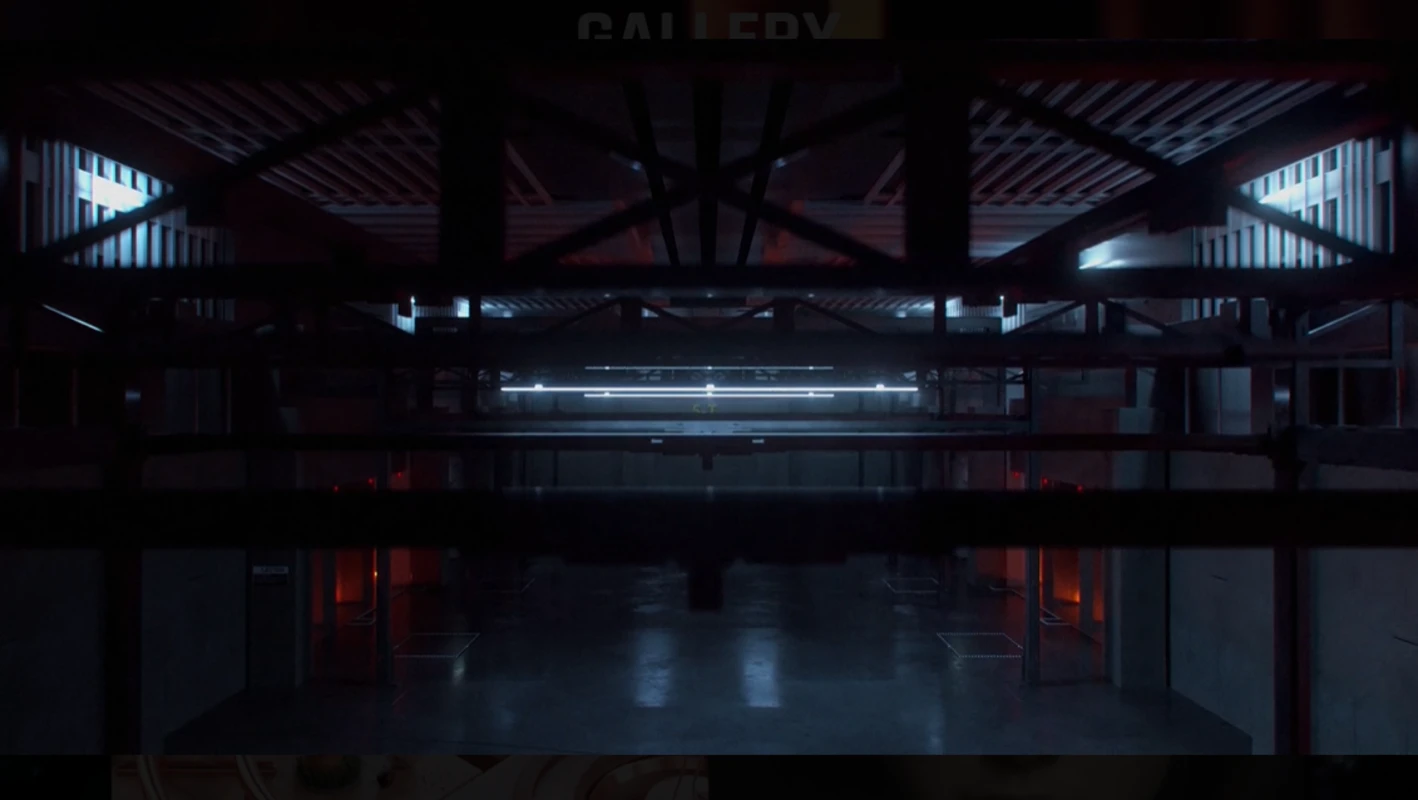
What does Maxon CINEMA 4D look like? Screenshots