What is AOMEI Backupper and what does it do?
What is AOMEI Backupper and what does it do?
AOMEI Backupper is a Windows backup and recovery utility used to protect operating systems, disks, partitions, files, and folders. It is designed for users who want a structured way to create backup images and restore data when needed, whether the goal is to recover from accidental deletion, disk failure, system corruption, or a Windows problem.
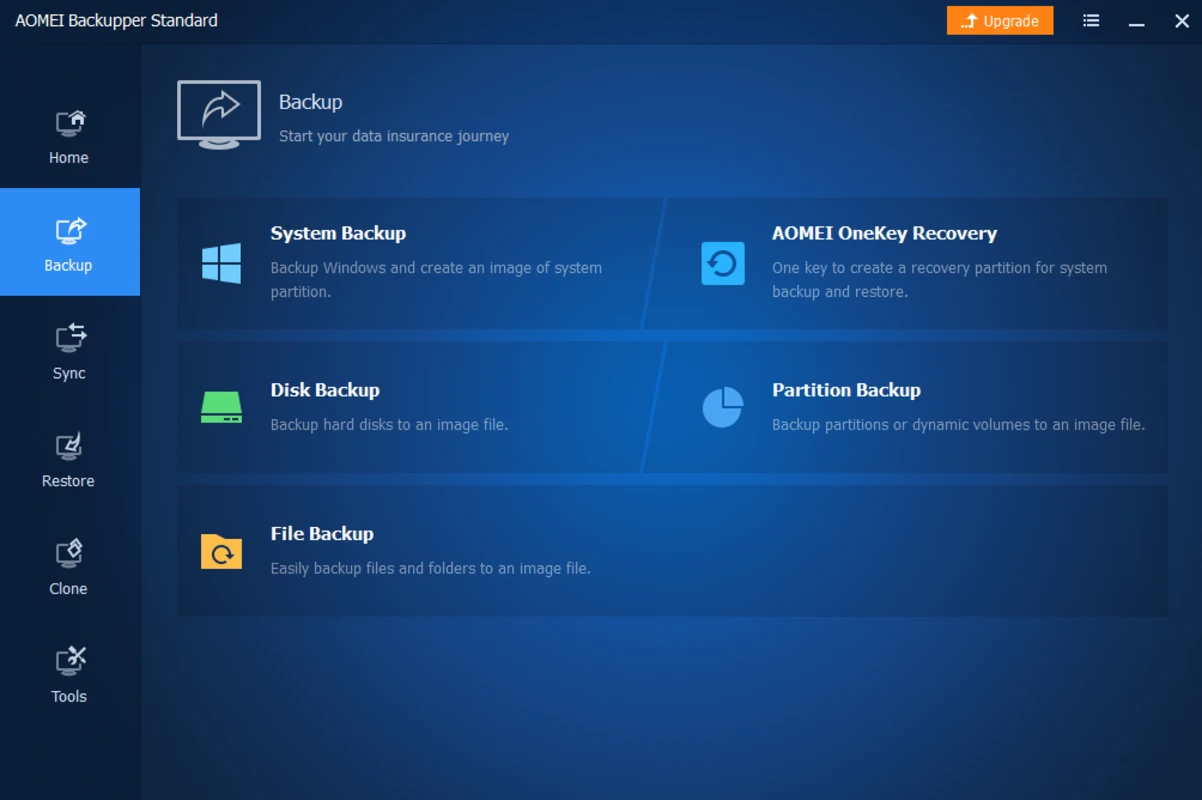
The software belongs to the system utilities category and is available as a free Windows application. AOMEI Backupper 8.4.0 provides core backup features through a desktop interface that organizes tasks such as system backup, disk backup, partition backup, file backup, restore, clone, and bootable media creation. Its main value is that it brings several essential data protection tools into one program rather than requiring separate utilities for each task.
What are the key features of AOMEI Backupper?
AOMEI Backupper includes several backup modes for different needs. System backup is intended to capture the Windows operating system and related boot partitions so they can be restored if Windows becomes unbootable or unstable. Disk backup can create an image of an entire drive, while partition backup focuses on selected volumes. File and folder backup allows users to choose specific data rather than imaging a full disk.
The program also supports scheduled backups, which can help users create backups regularly without starting every job manually. Depending on the selected task and edition, backup jobs can be configured around common timing options such as daily, weekly, or monthly routines. This is useful for maintaining a more consistent backup habit, especially on PCs that store changing documents, photos, work files, or application data.
Another important feature is restore support. A backup tool is only useful if the saved image can be used when something goes wrong, and AOMEI Backupper provides restore options for previously created backup tasks. Users can browse available backup images, select a recovery point, and restore the system, disk, partition, files, or folders according to the type of backup that was created.
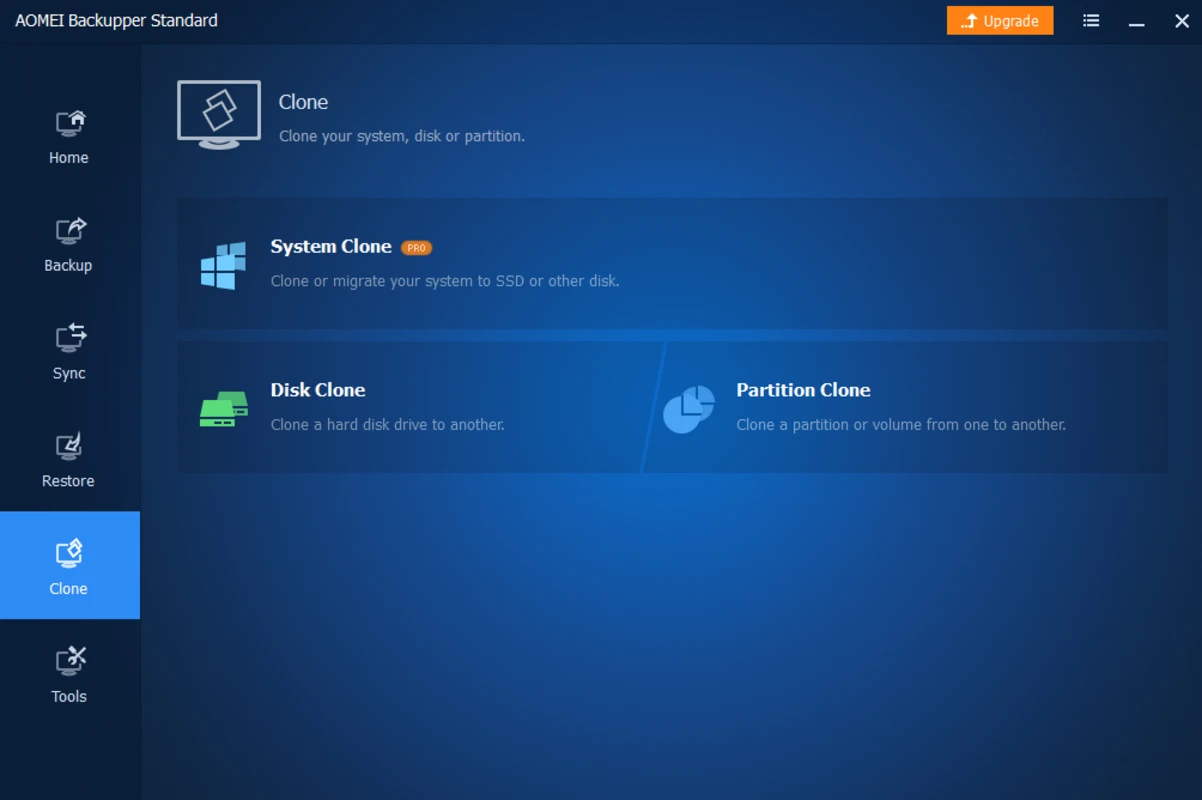
AOMEI Backupper also includes cloning features. Disk cloning and partition cloning are commonly used when moving data from one drive to another, such as replacing an older hard drive with a larger drive or migrating data to an SSD. Some advanced cloning scenarios may depend on edition and configuration, but the software is widely known for including cloning as part of its backup and recovery toolkit.
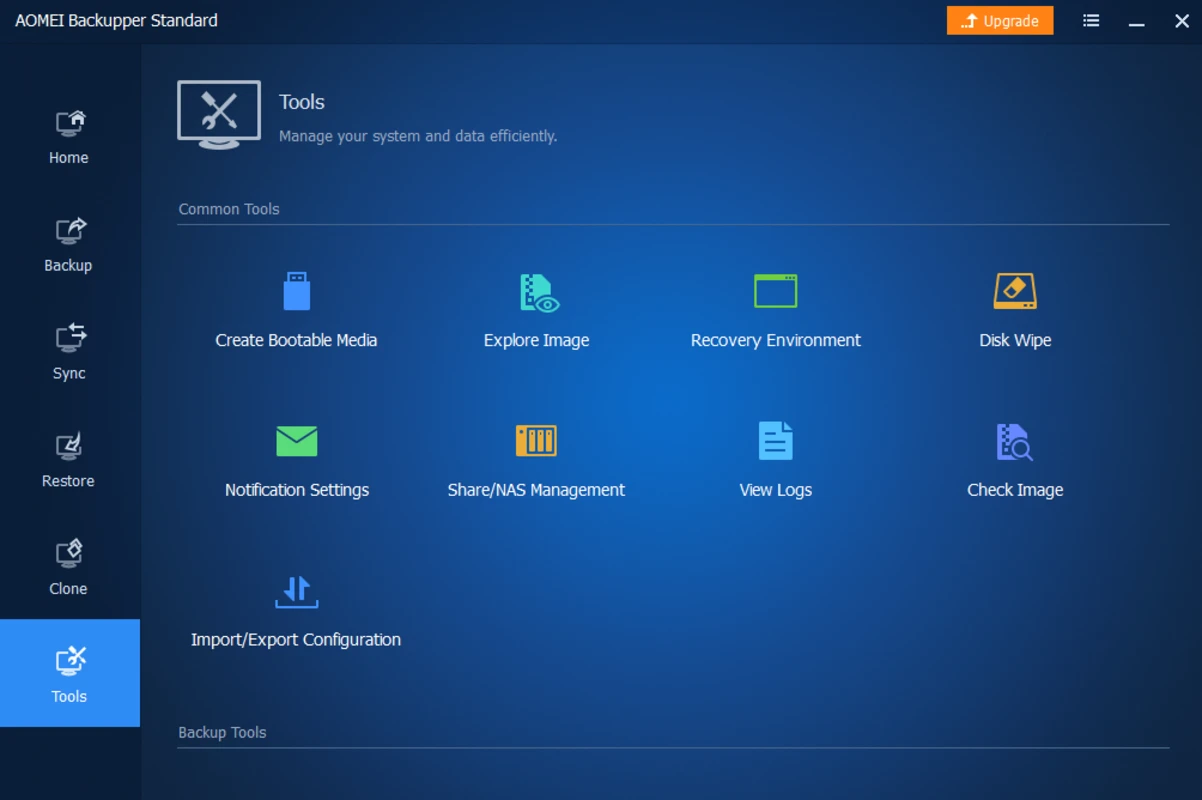
For recovery situations where Windows cannot start normally, the software can create bootable rescue media. This allows a PC to boot into a recovery environment and access AOMEI Backupper tools outside the installed Windows system. Bootable media can be especially useful after serious system errors, failed updates, or drive replacement, provided a valid backup image is available.
How does AOMEI Backupper work?
AOMEI Backupper works by creating backup images from selected sources. A user chooses what to protect, such as the system, an entire disk, a partition, or specific files and folders. The user then selects a destination, such as another internal drive, an external drive, a network location, or another supported storage path. After the job is configured, the software creates an image file that can be used for later restoration.
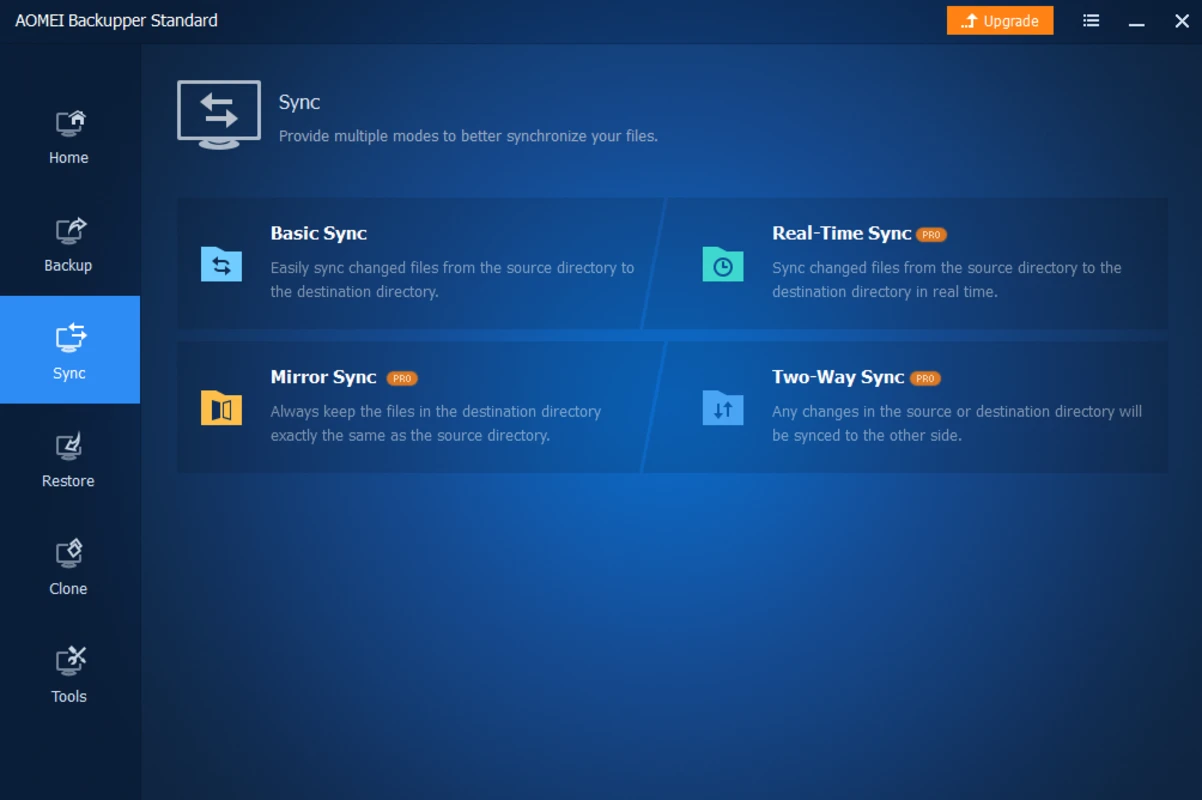
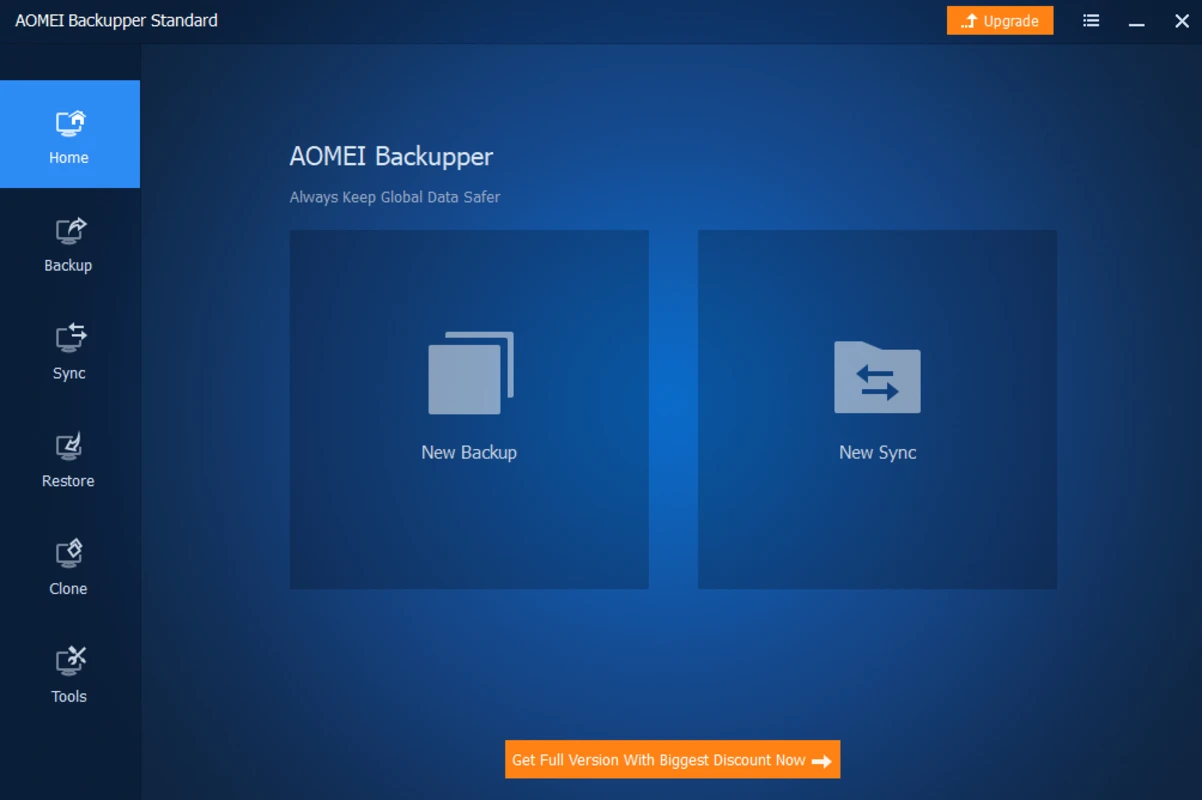
The interface is organized around task-based workflows. Instead of requiring command-line operations, the program presents common actions in separate areas for backup, restore, clone, and tools. This makes it more approachable for home users while still giving more experienced users access to practical system maintenance functions.
Backup images can help reduce recovery time because they preserve selected data in a restorable format. For example, a system image can be used to return Windows to a previous working state, while a file backup can be used to recover selected folders or documents. The usefulness of each restore depends on the age and completeness of the backup, so keeping backups current is important.
Users should also consider where backups are stored. Saving a backup only on the same physical drive as the original data is risky because a drive failure may affect both the source and the backup. AOMEI Backupper can be most effective when used with a separate storage device or reliable network location, combined with a clear backup schedule.
Who is AOMEI Backupper for?
AOMEI Backupper is suitable for Windows users who want a free backup utility for everyday data protection. It can be useful for home users who want to protect personal files, photos, and documents, as well as users who want a way to recover Windows after a system problem. It is also relevant for users preparing to replace a drive or move data between storage devices.
The software may appeal to people who prefer a visual backup tool rather than manual copying or scripting. Its guided backup and restore workflows reduce the need to understand every low-level storage detail, although users still need to choose sensible backup destinations and verify that their backups are usable.
AOMEI Backupper is also useful for basic maintenance planning. Before major Windows changes, driver updates, software installation, or disk replacement, creating a backup image can provide a recovery option. This does not replace careful system administration, but it gives users a practical safeguard if a change causes problems.
Is AOMEI Backupper safe to use?
AOMEI Backupper is a legitimate Windows backup utility from AOMEI and is widely used for backup, restore, and cloning tasks. As with any system-level tool, it should be downloaded from a trusted source and installed with attention to the setup options presented during installation.
Because the program can write to disks, restore partitions, and clone drives, users should review each operation carefully before confirming it. Restore and clone actions can overwrite existing data if the wrong destination is selected. For important systems, it is sensible to keep more than one backup and to store at least one copy on separate media.
The software itself is intended to help protect data, but no backup program can guarantee recovery in every situation. A reliable backup plan depends on regular backups, suitable storage, periodic checks, and clear labeling of backup images. Used carefully, AOMEI Backupper provides a practical way to create and manage Windows backups with familiar recovery options.
What are the pros and cons of AOMEI Backupper?
What are the best free alternatives to AOMEI Backupper?


What does AOMEI Backupper look like? Screenshots